Video & Animation

Compensation Education Series

Cost of Living -vs- Cost of Labor

Tools: Vyond Animation Studio, Adobe Premier Pro (Editing)

Goal: Educate the workforce around compensation metrics used to make salary decisions and increase learner survey satisfaction around pay equity decisions

Credits: Dialogue vocals by William Taylor Bair


Client Servicing Series

Digital Media Client Archetypes: Champ D (Champagne Dreams on a Beer Budget)

Tools: Vyond Animation Studio, Camtasia & Clip Champ (Editing)

Goal: Prepare digital media buyers and planners to work with typical client archetypes, providing an insight into the client’s mindset, goals, and hurdles in servicing them

Credits: Dialogue vocals by Chayce Wilson

Digital Media Client Archetypes: Dizzy (Disconnected from Media)

Tools: Vyond Animation Studio, Camtasia & Clip Champ (Editing)

Goal: Prepare digital media buyers and planners to work with typical client archetypes, providing an insight into the client’s mindset, goals, and hurdles in servicing them

Credits: Dialogue vocals by Sophia Thurman


Programmatic Media Buying 101

The Reveal

Tools: Vyond Animation Studio, Final Cut Pro (Editing)

Goal: To gamify the programmatic media buying process for newcomers to the role and its responsibilities, using a spy thriller wrapper and escape room-esque elements to solve puzzles and reinforce learning

Credits: Dialogue vocals by Sophia Thurman; Custom ad graphics and logos by William Taylor Bair

eLearning

Manager Certification Flagship Course

Tools: Articulate Storyline

Goal: To certify all people managers on the company’s policies and procedures ranging from time off, yearly performance reviews, and more. This was a flagship program, leaning heavily into gamification elements and simulated environments to mimic real-world scenarios managers would encounter.

AI Usage: AI was used to generate all voices in this eLearning package

View Sample Course: to see a sample of the course (with all company identifying information scrubbed), please fill out your email, first and last name in the following form.
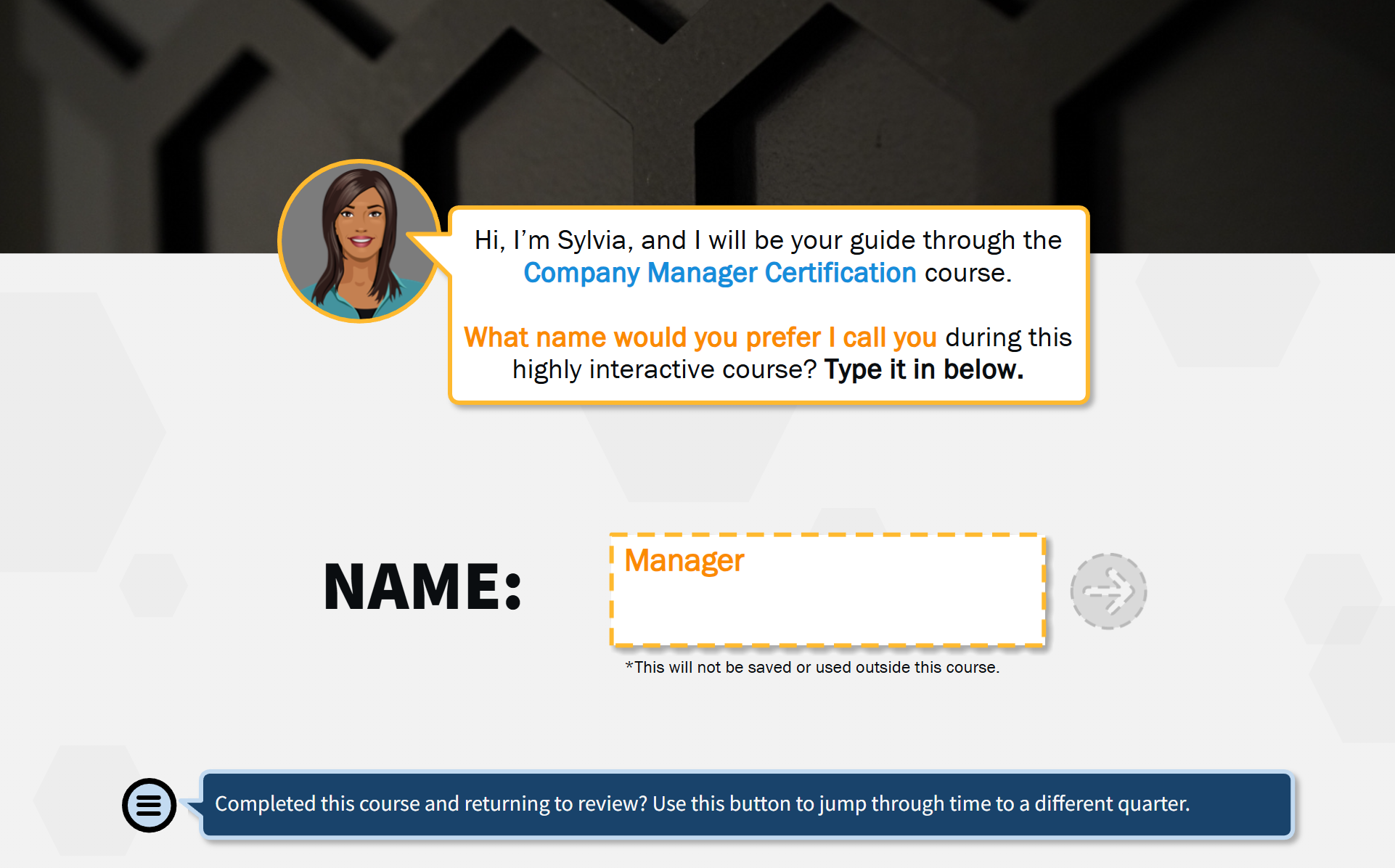
On a digital course interface, a pop-up introduces Sylvia, a guide for the Course on Company Manager Certification, asking the user to enter their preferred name during the highly interactive course, with a text box set for entering a name, and a blue button below for jumping through time to a different section.
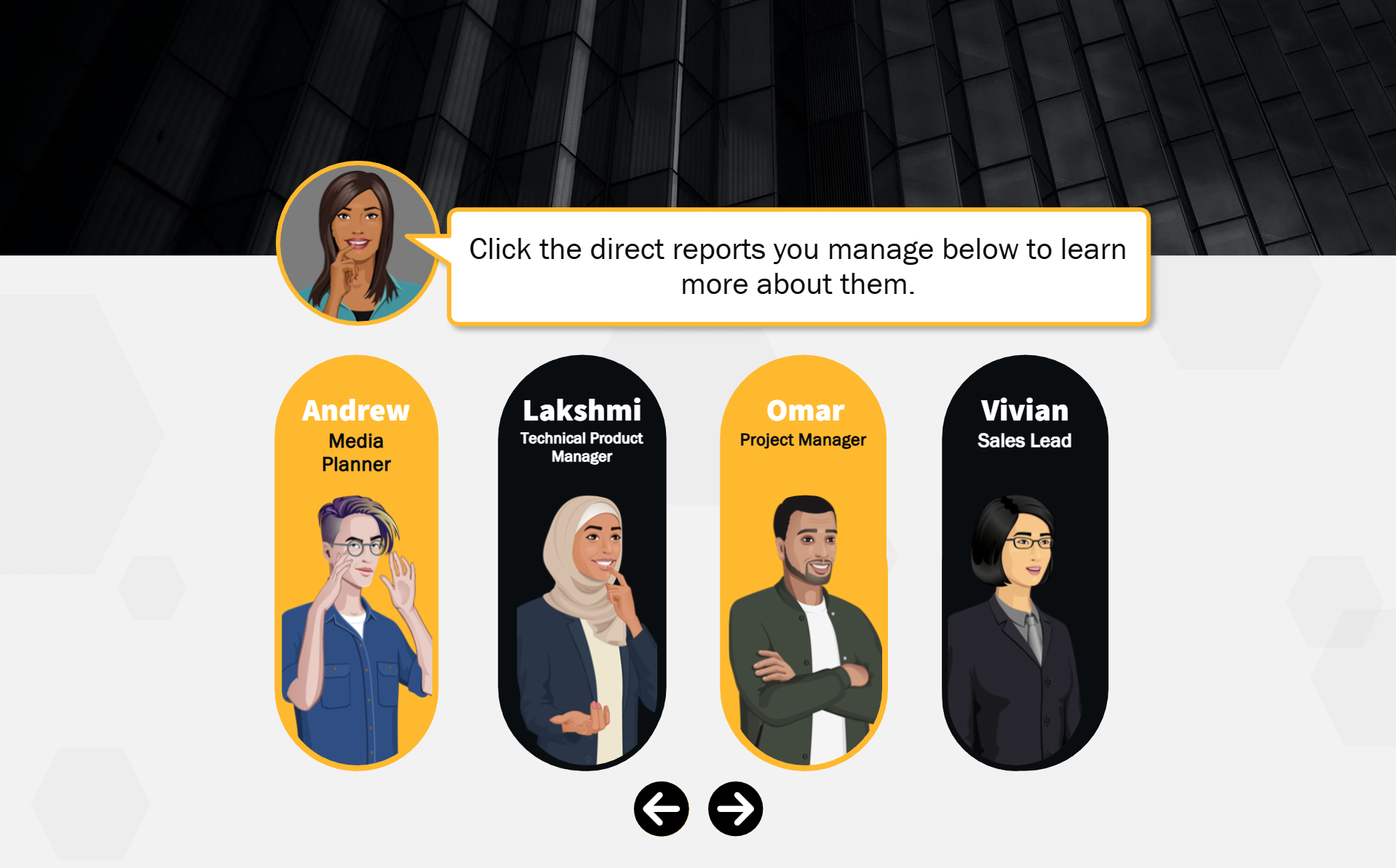
Digital illustration of a user interface with a cartoon avatar of a woman speaking. Five illustrated profiles of employees are displayed below, each with a name, job title, and distinct appearance. The avatars are labeled Andrew, Lakshmi, Omar, and Vivian, with a navigation arrow at the bottom, and a speech bubble from the woman that says, 'Click the direct reports you manage below to learn more about them.'
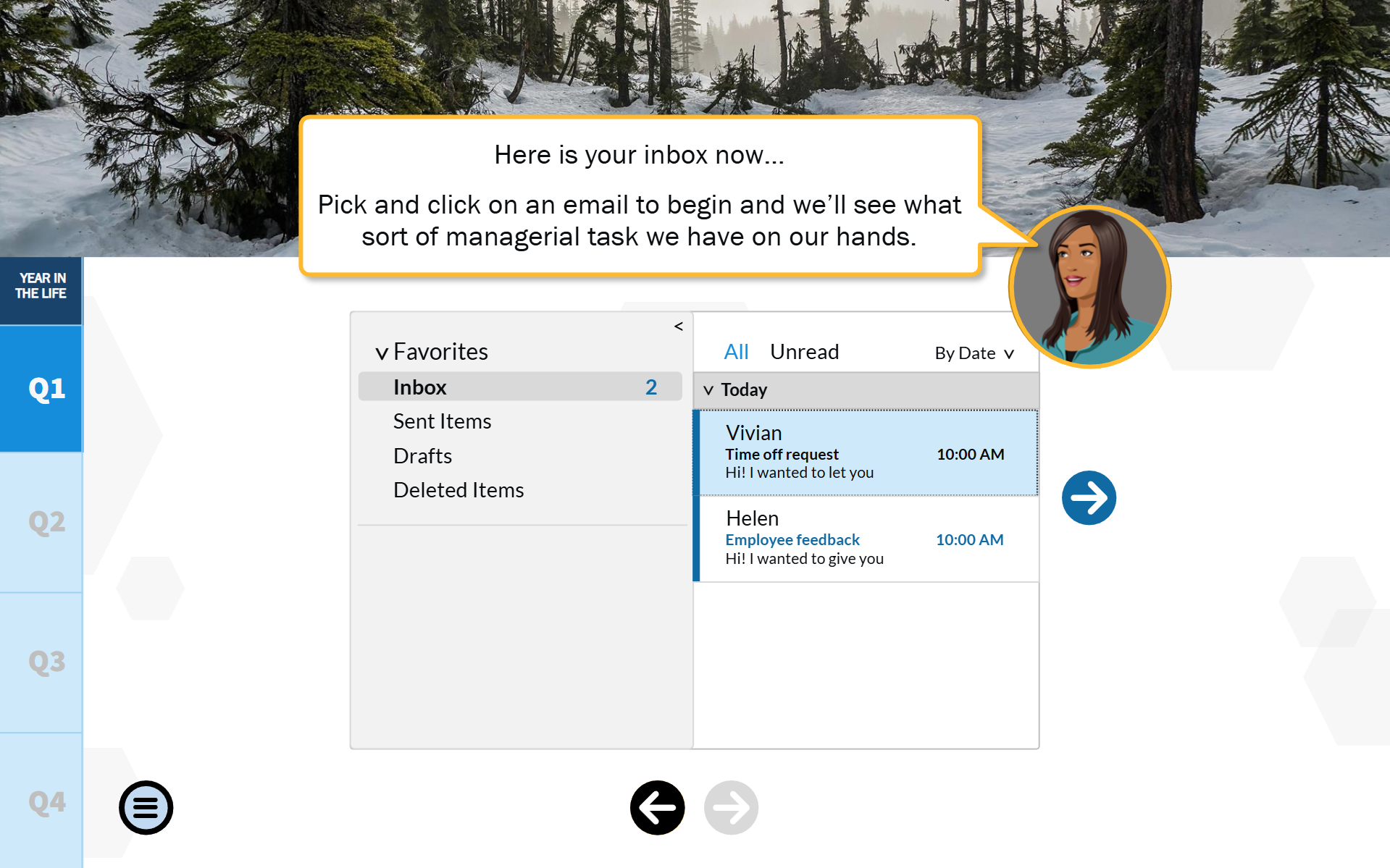
A digital inbox interface on a computer screen inside a snow-covered forest scene with pine trees, with a chat bubble from a cartoon woman explaining that users should pick and click on an email to see the managerial task.

Articulate Rise Courses

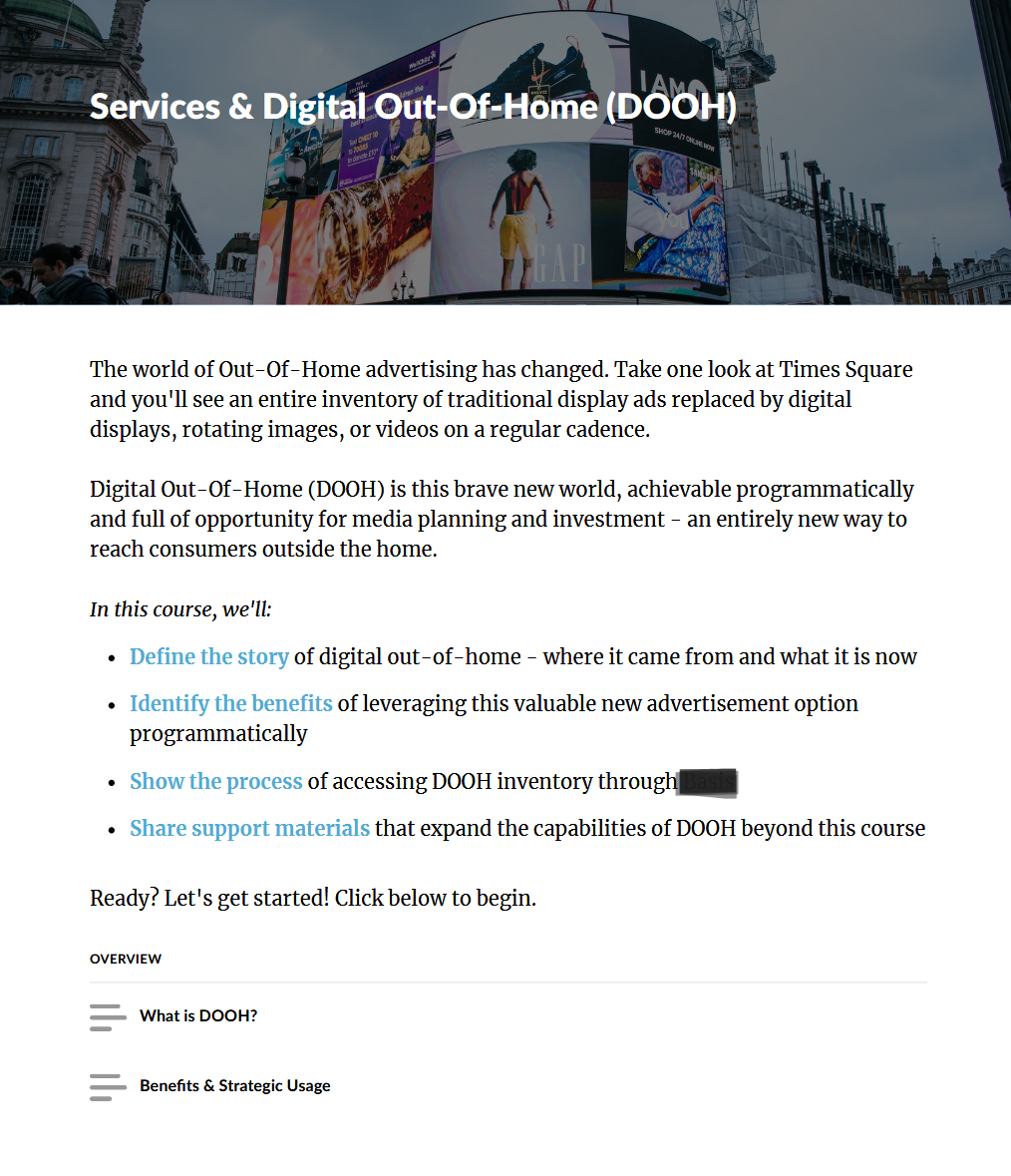
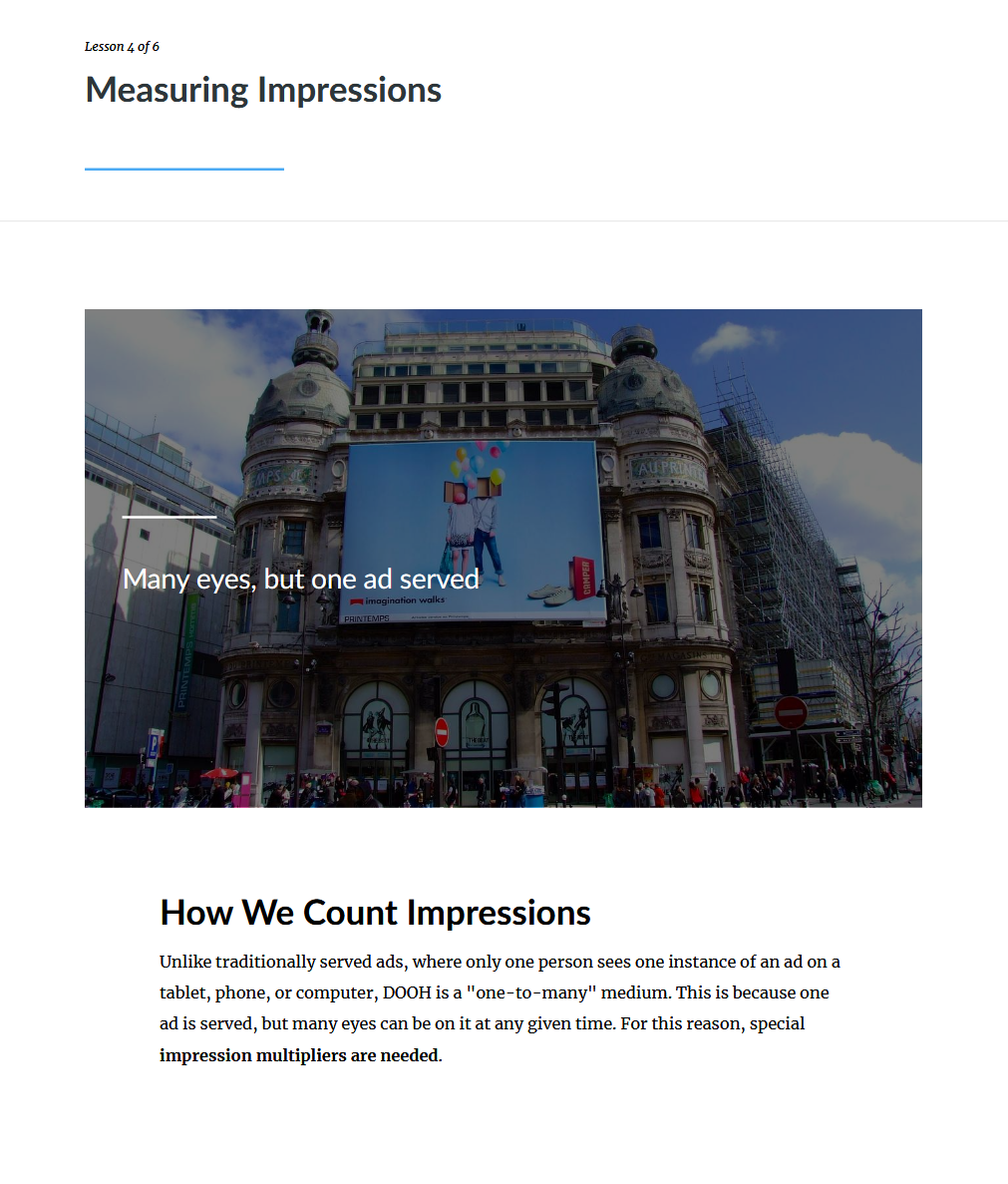
Digital advertisement display at Times Square promoting Services & Digital Out-Of-Home (DOOH) advertising, with a building and cloudy sky in the background.

Tools: Articulate Rise

Courses Sampled Below: Digital Out-Of-Home (DOOH) Advertising & Digital Media Accelerator How to Use Data Prerequisite
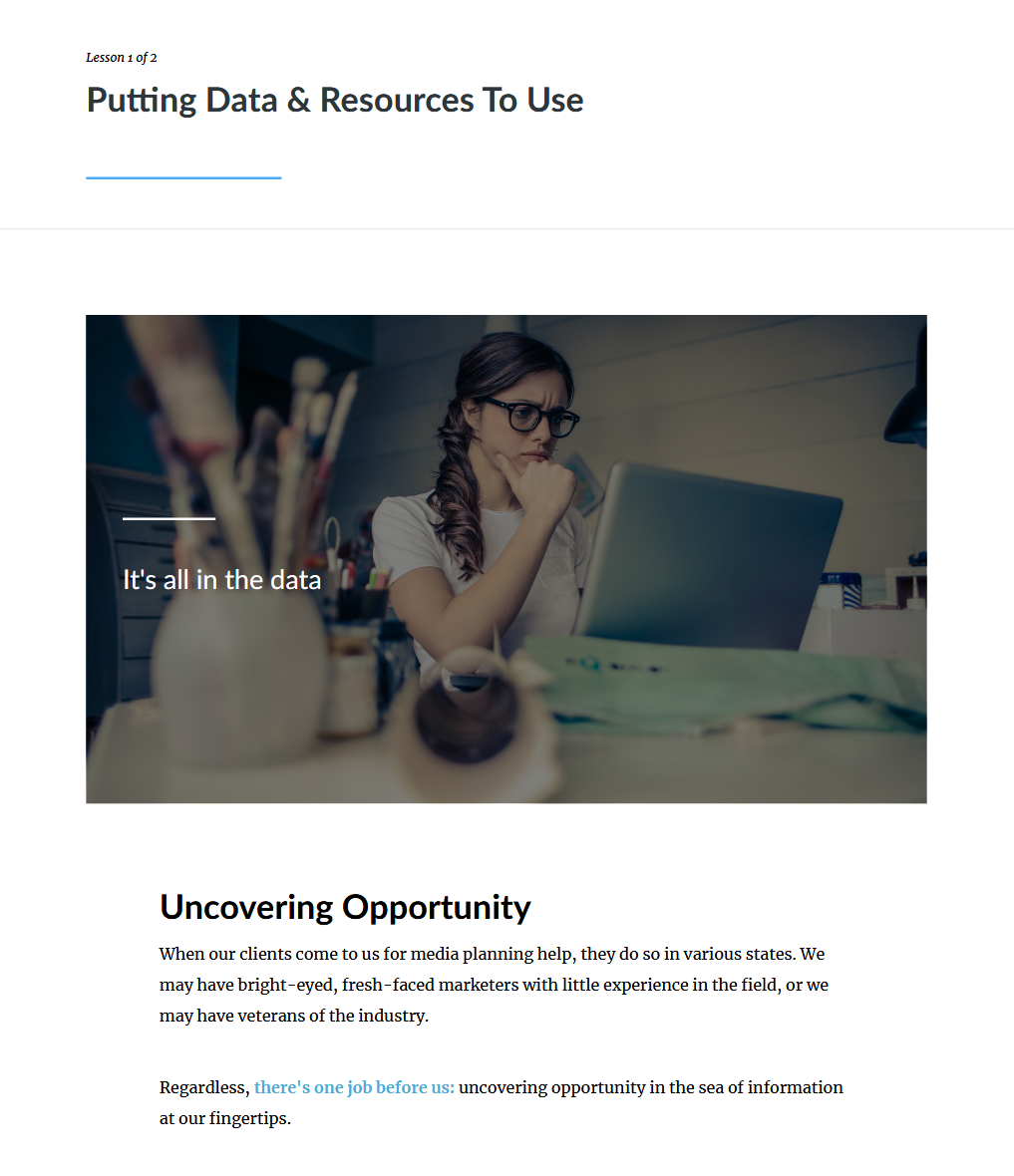
A woman with glasses sitting at a desk with a laptop, looking thoughtful while working, in a well-lit room.
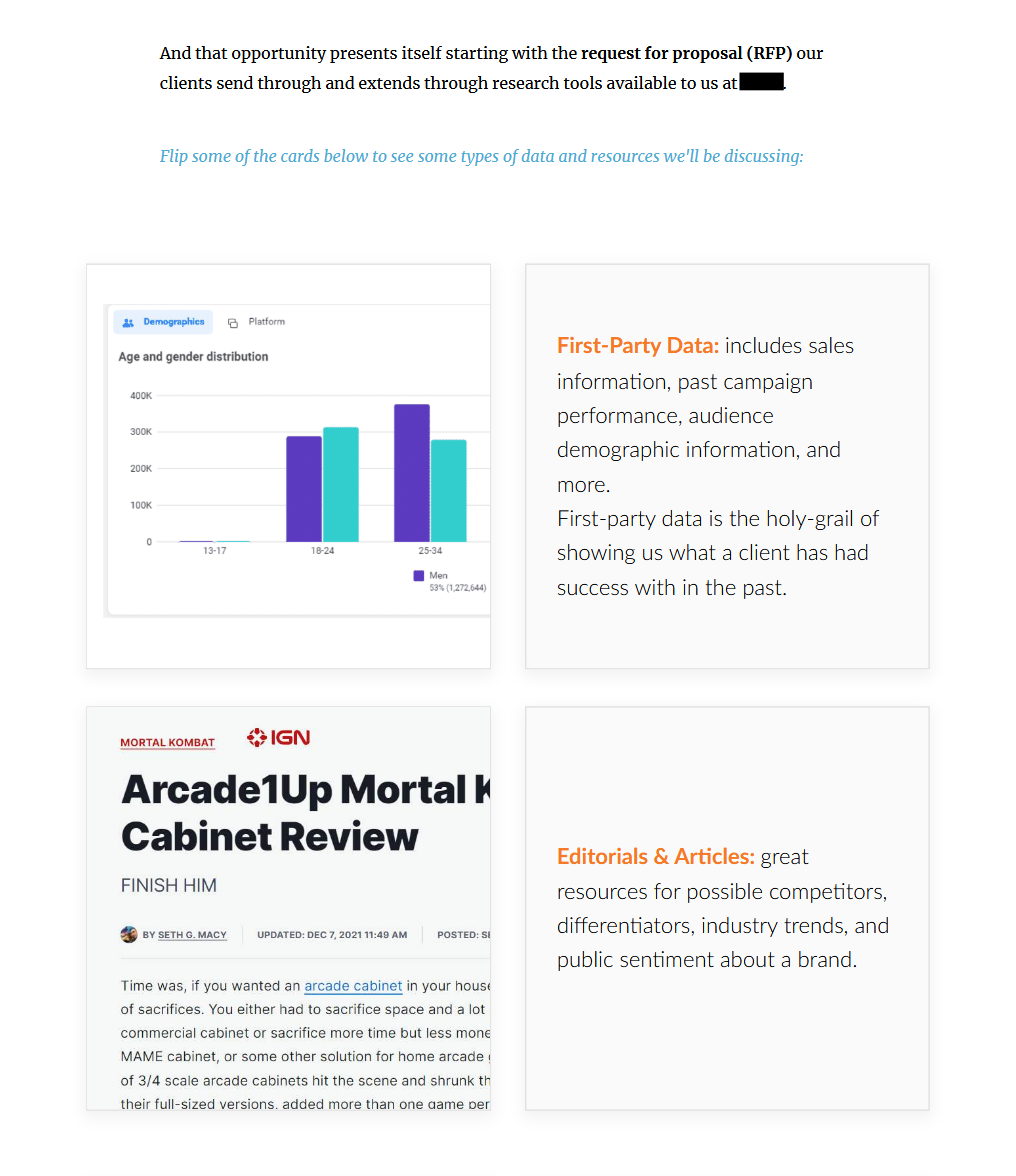
Screenshot of a research platform containing cards with data and articles about demographics, first-party data, arcade cabinet reviews, and industry analysis.
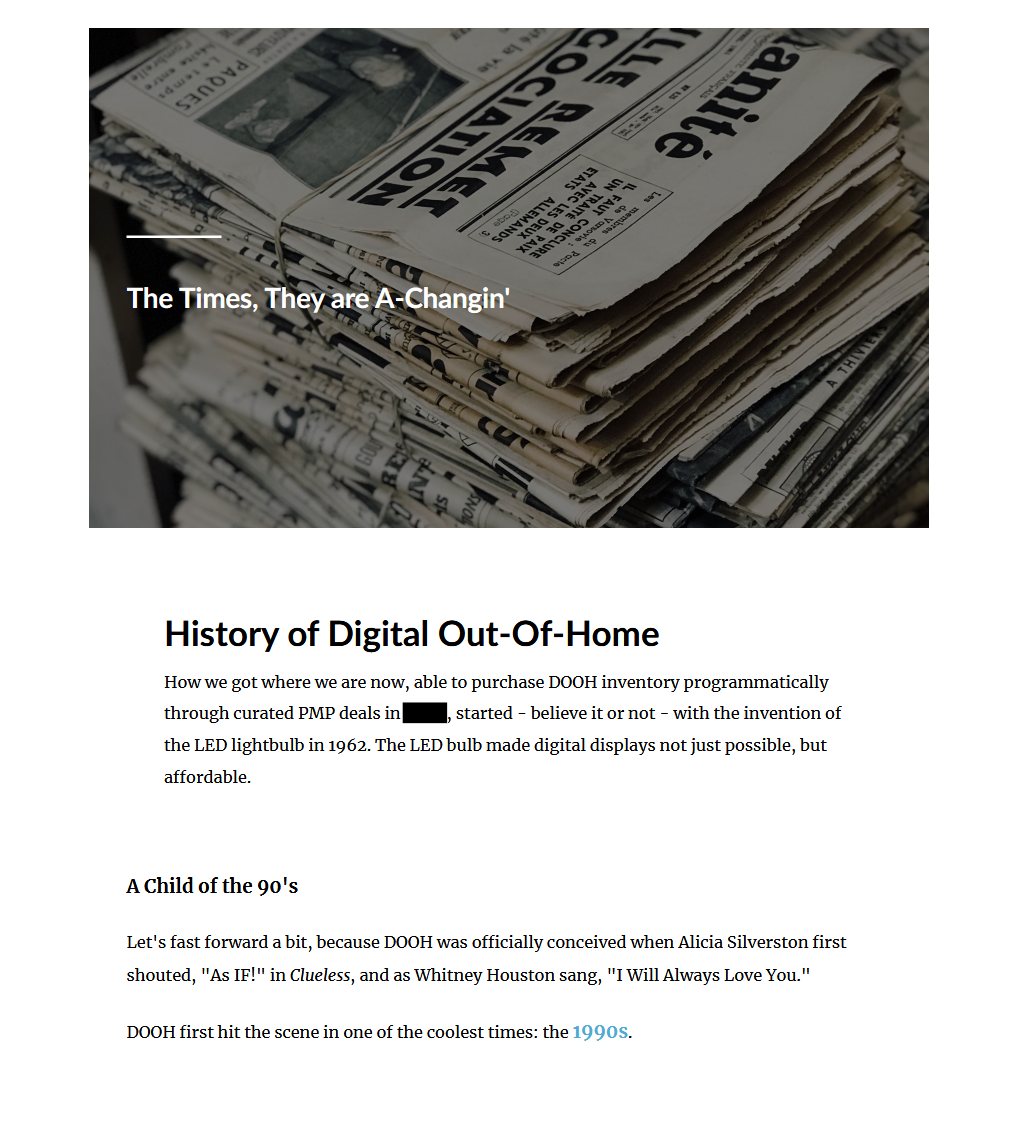
A pile of newspapers bundled together with a rubber band, stacked on top of each other.
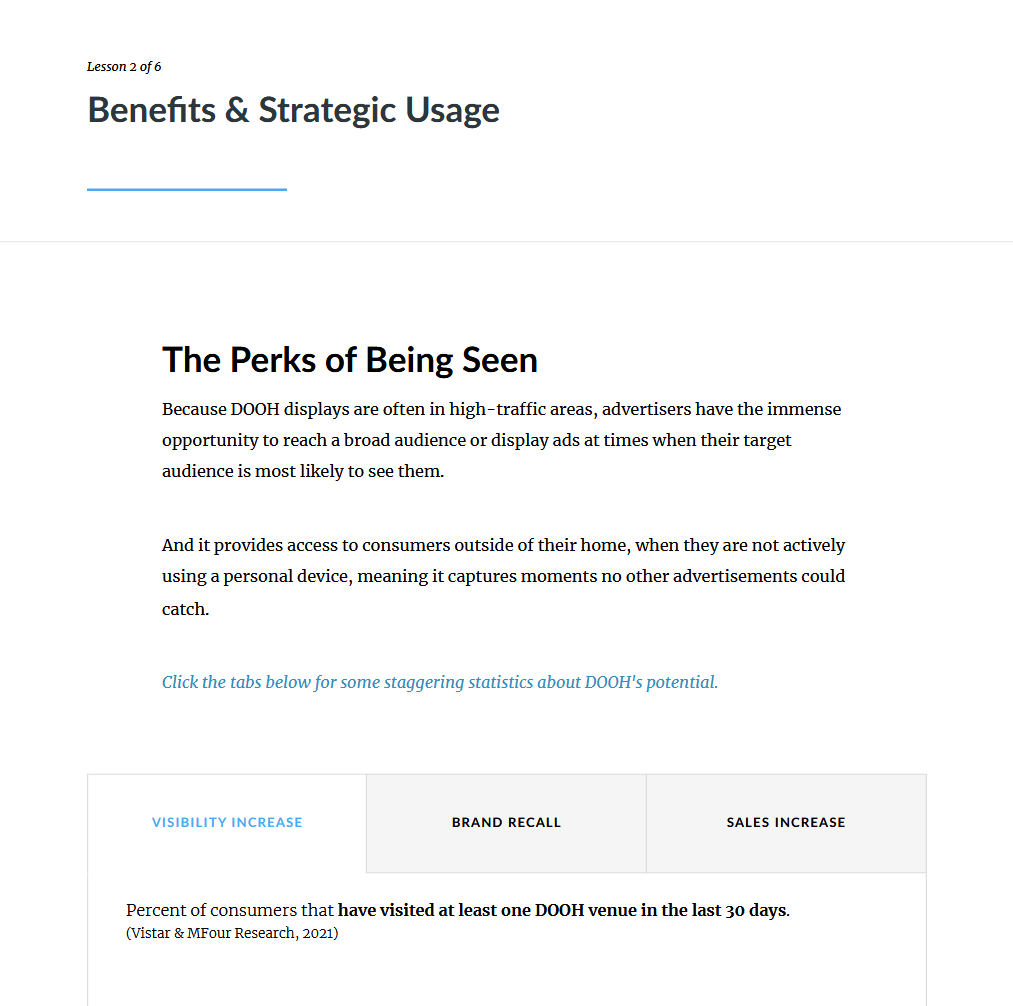
Screenshot of a page from a presentation or report titled 'Benefits & Strategic Usage,' discussing the perks of being seen, including increased visibility, brand recall, and sales, with a table displaying statistics about consumer visits to DOOH venues in the last 30 days.
A city scene with a large building featuring a prominent billboard displaying two people holding balloons, under a partly cloudy sky. There are people walking on the street in front of the building.

Facilitated Learning

Account & Client Management

Tools: Microsoft PowerPoint (core presentation deck & activities), Microsoft Word (Learner Guide and support materials)

Goal: To equip client-facing individual contributors and people managers with common client archetypes encountered at the company, skillsets for effective communication with them, and practical solutions for setting clear expectations, managing conflict and working through delivering difficult news to clients

Credits: design, content, logos (blooming acorn) and custom graphics created by William Taylor Bair

Core Presentation Deck Samples (Microsoft PowerPoint)

A woman working on a laptop in a modern office, with a green overlay and white text that reads "Services Core Skills: Account & Client Management" and a logo of a tree inside a plant pot.
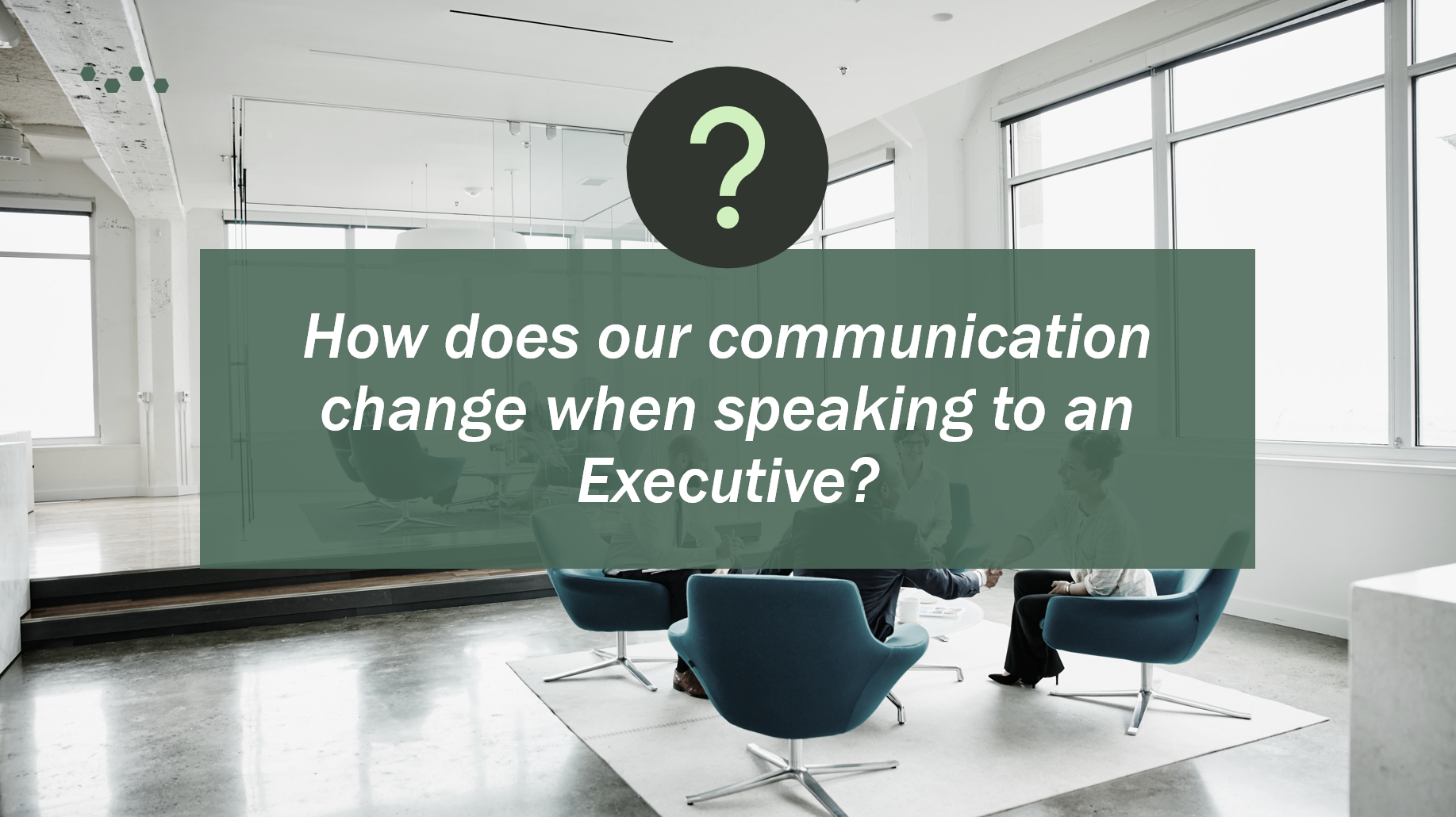
A group of people in a modern conference room engaged in a discussion, with large windows letting in natural light, and a question about communication style in the center.
A woman sitting at her desk in an office, with a computer monitor in front of her and a potted plant on her right. She has long brown hair with a yellow flower clip, and she is wearing a yellow jacket over a dark shirt. Behind her are filing cabinets and a window with city buildings outside.
A promotional image with a green background on the left side featuring text that reads "It's all about communication: How the 3 C's can help streamline our communications." On the right side, there are two photos: one showing a group of four diverse people in a cozy, modern indoor space, engaging with a laptop and having a light-hearted moment, and another showing a young man outdoors smiling at his smartphone.
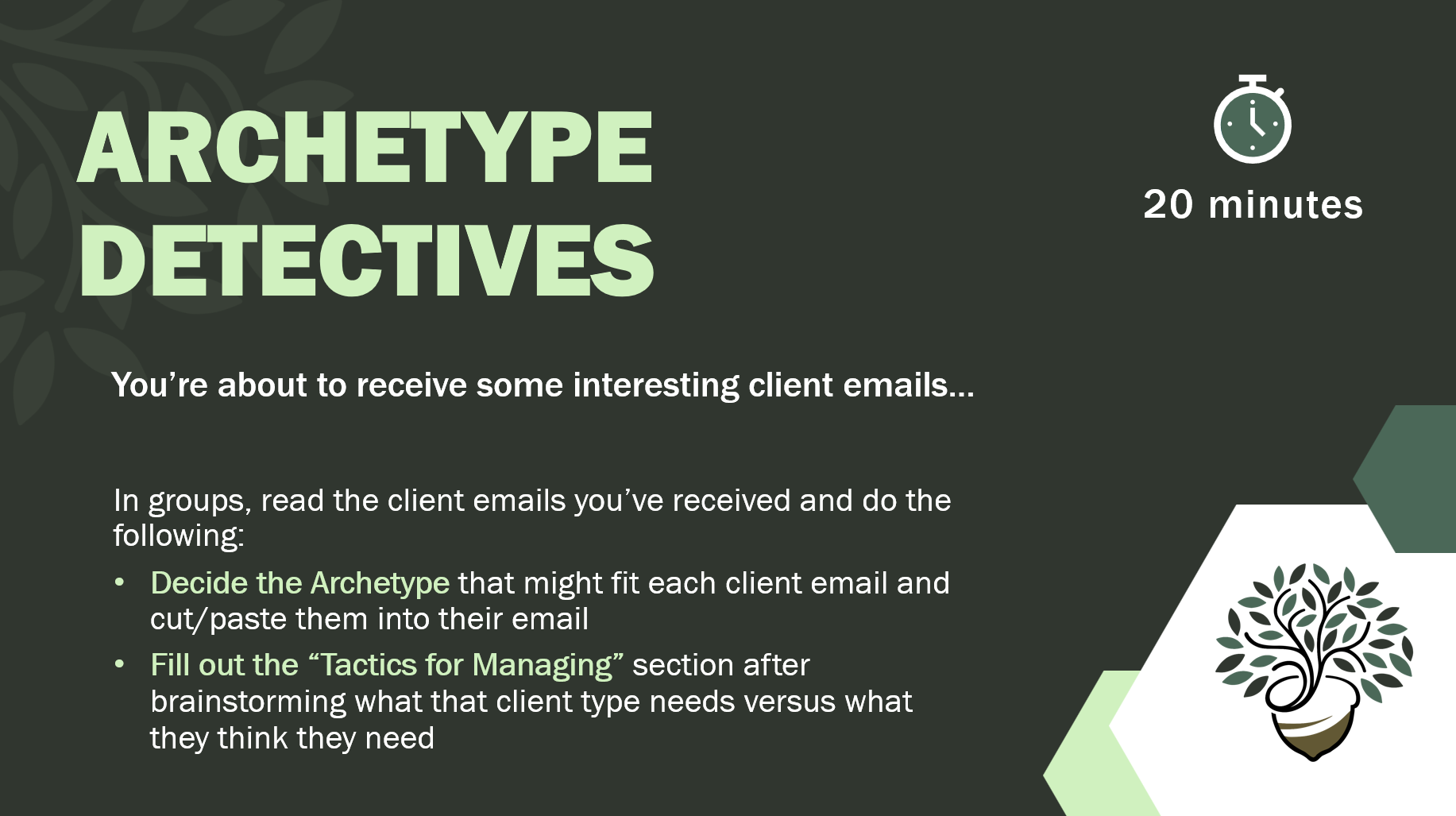
Slide titled "Archetype Detectives" showing a stopwatch icon indicating "20 minutes". Text includes instructions for group activity to analyze client emails, decide archetypes, and fill out tactics for managing. There is a decorative tree illustration at the bottom right.
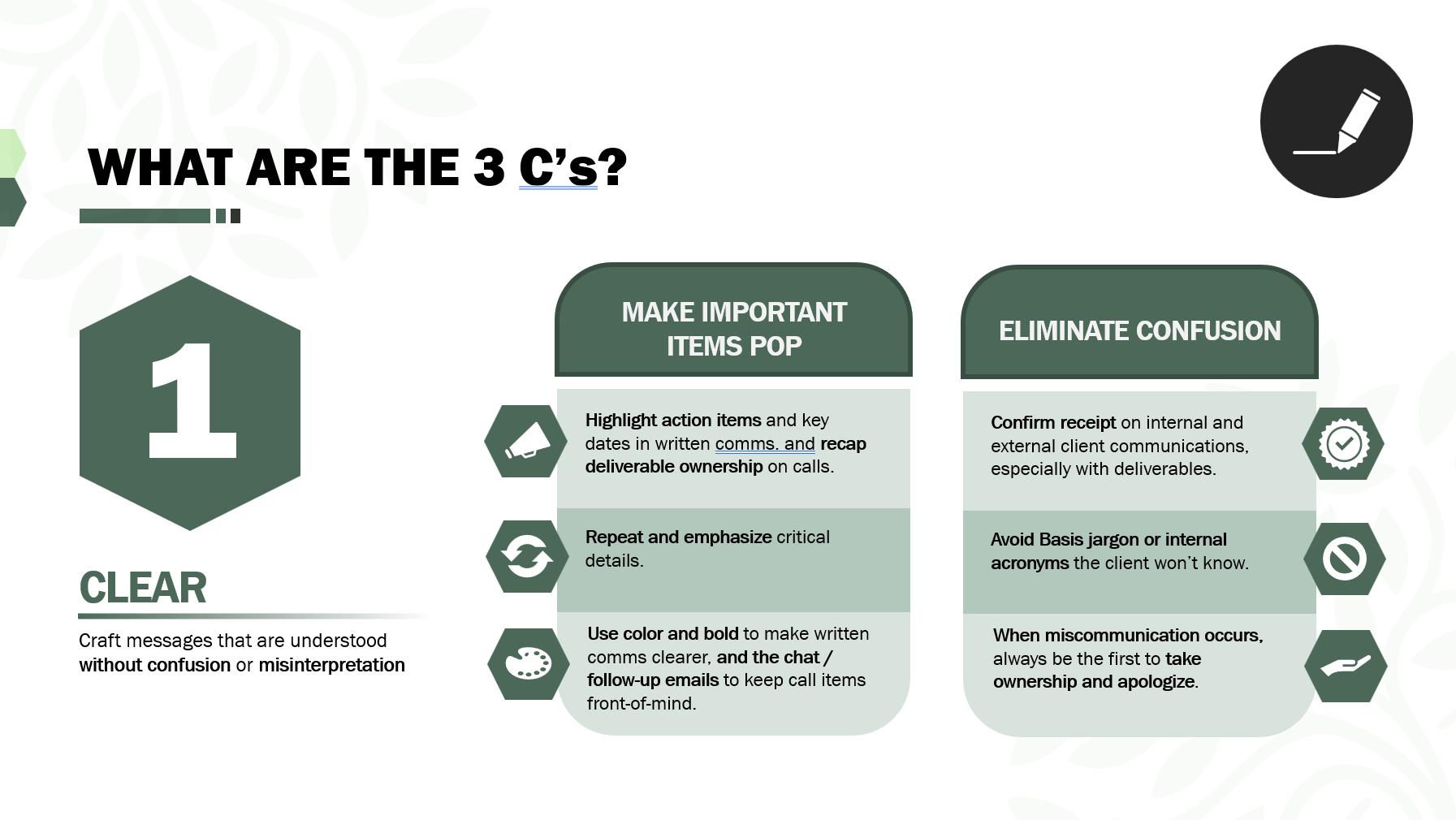
Guidelines on effective communication and clarity, emphasizing the importance of the 3 C's: Clear, Concise, and Correct; with sections on making important items pop and eliminating confusion, using icons and bullet points.
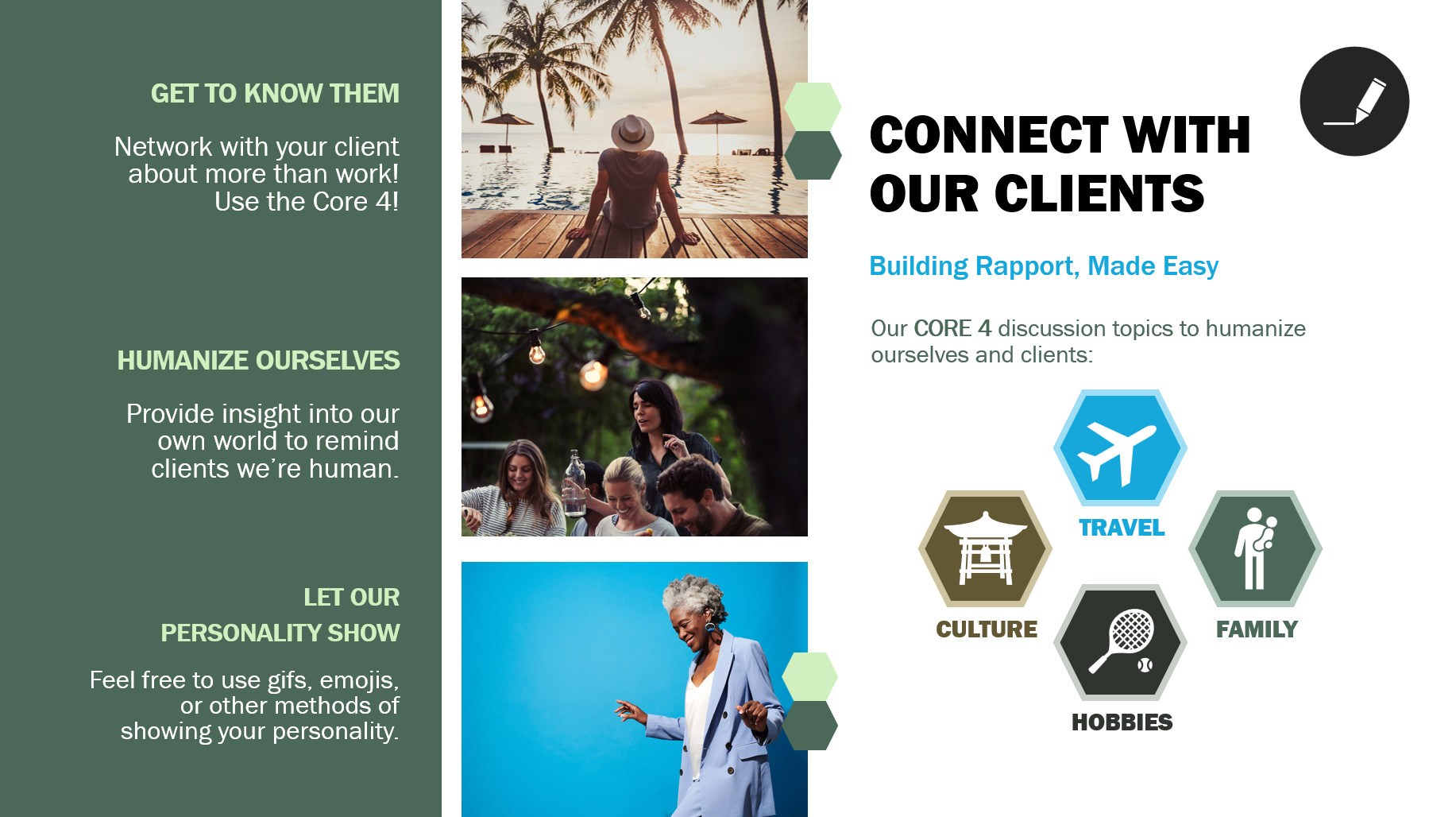
A promotional infographic titled "Connect with Our Clients" featuring three images of people enjoying leisure activities: a woman sitting on a dock looking at a sunset with palm trees, a group of friends at an outdoor gathering with string lights, and a woman dancing with a bright blue background. The infographic emphasizes humanizing clients, building rapport, and highlights core discussion topics like travel, culture, hobbies, and family.

Learner Guide Samples (Microsoft Word)

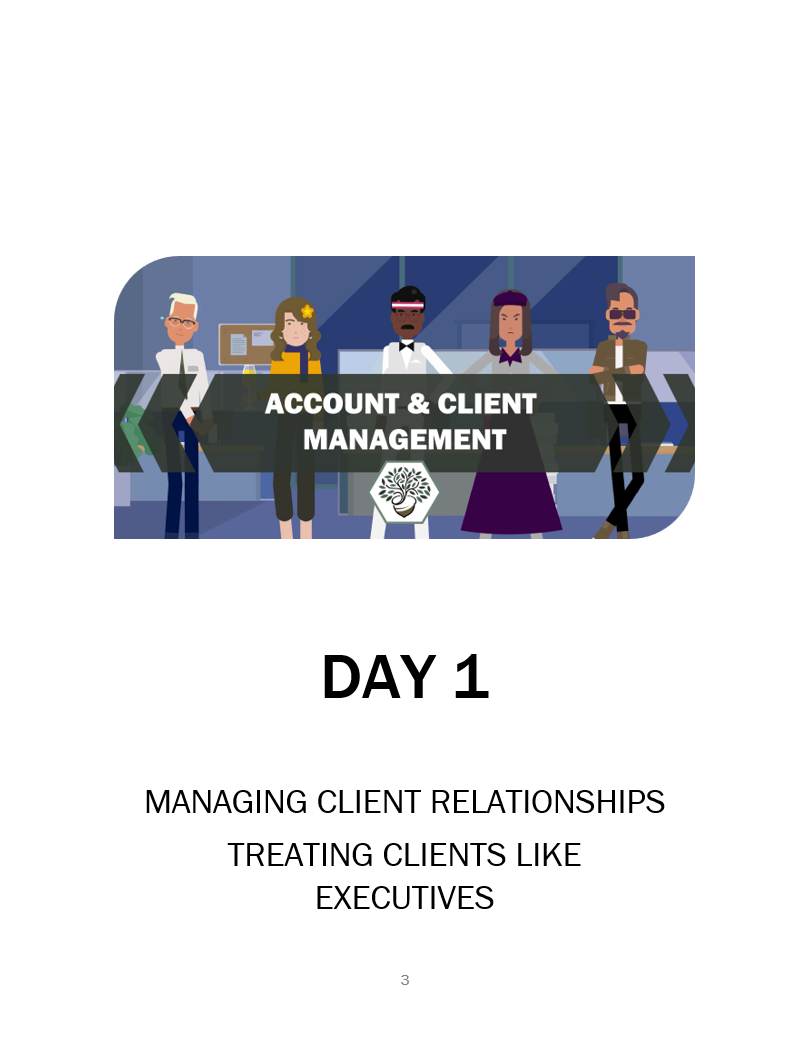
An illustration of five diverse people standing behind a banner that reads 'Account & Client Management', with the title 'Day 1' and text about managing client relationships and treating clients like executives.
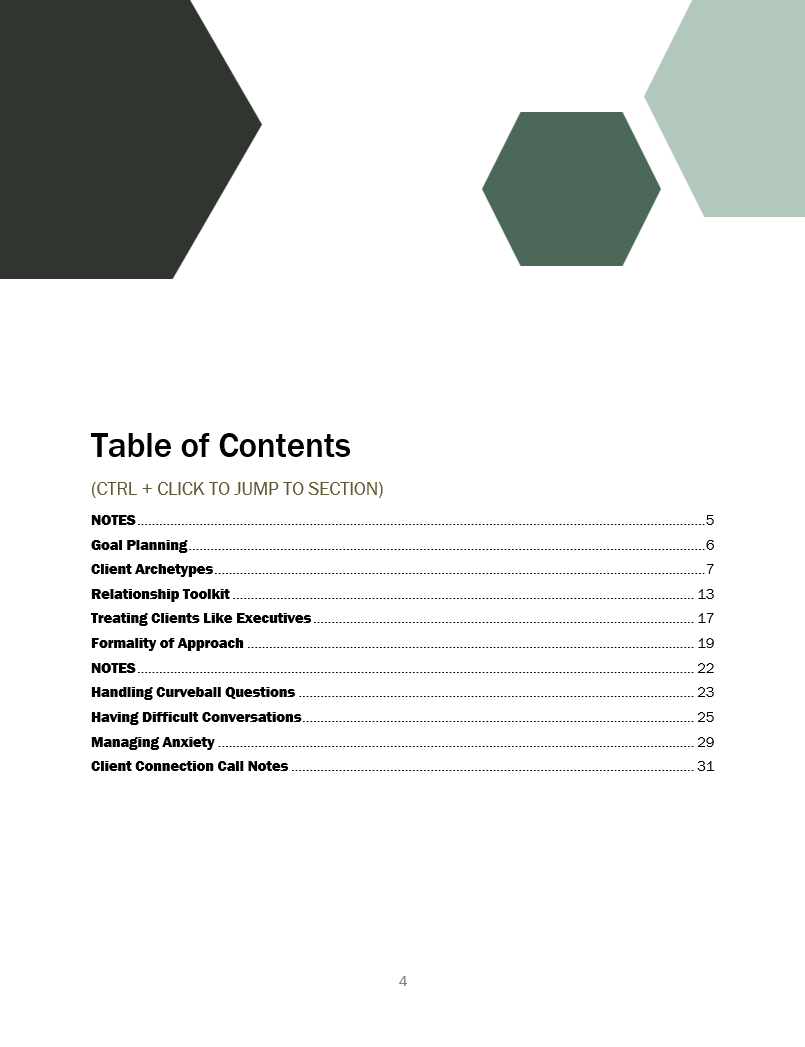
Table of contents from a professional document, listing sections such as notes, goal planning, client archetypes, relationship toolkit, and handling difficult conversations, with page numbers.
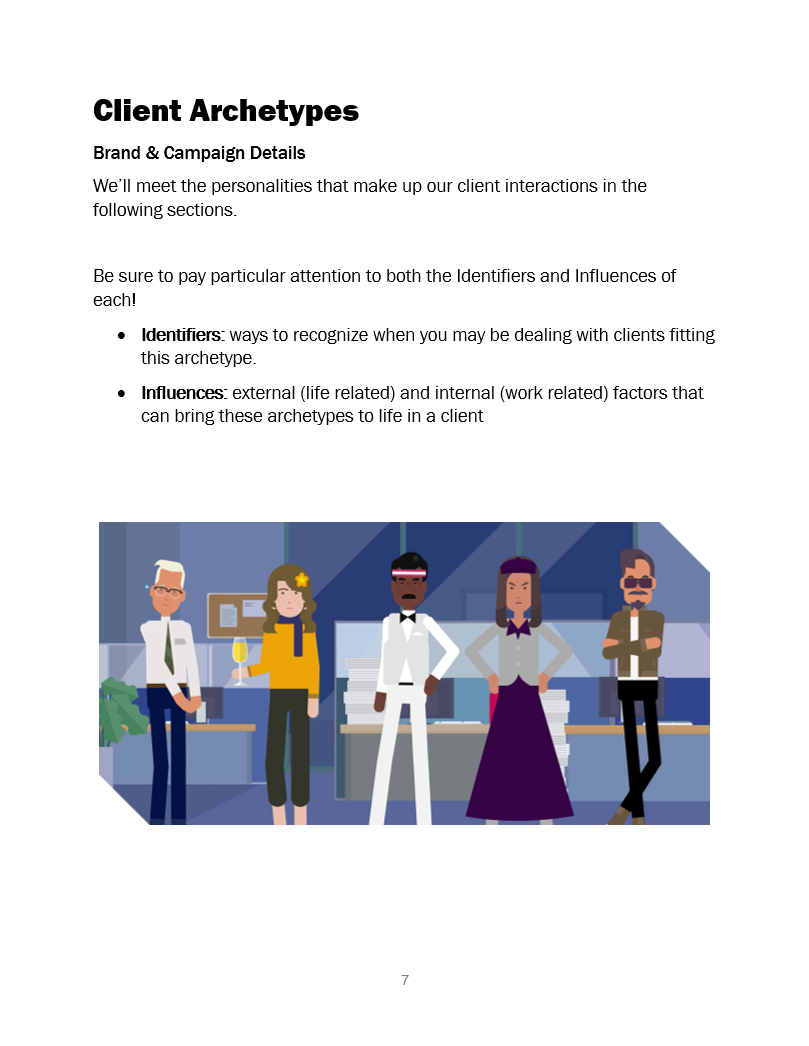
Illustration of five diverse people standing in an office environment, each with unique styles and expressions.
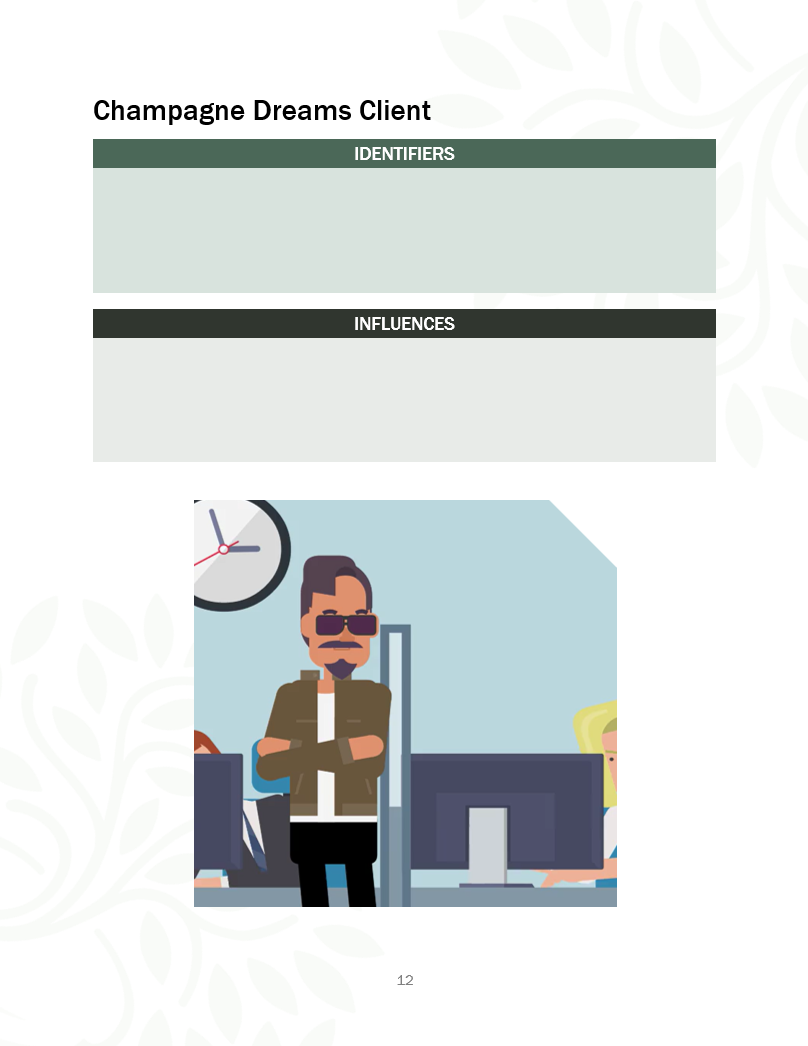
Illustration of a man with sunglasses, arms crossed, standing in an office with a clock in the background and other people working at computers.
A logo featuring a stylized tree in a pot inside a hexagon, with text below that reads "Account & Client Management," "Services Core Skills," and "Learner Guide".
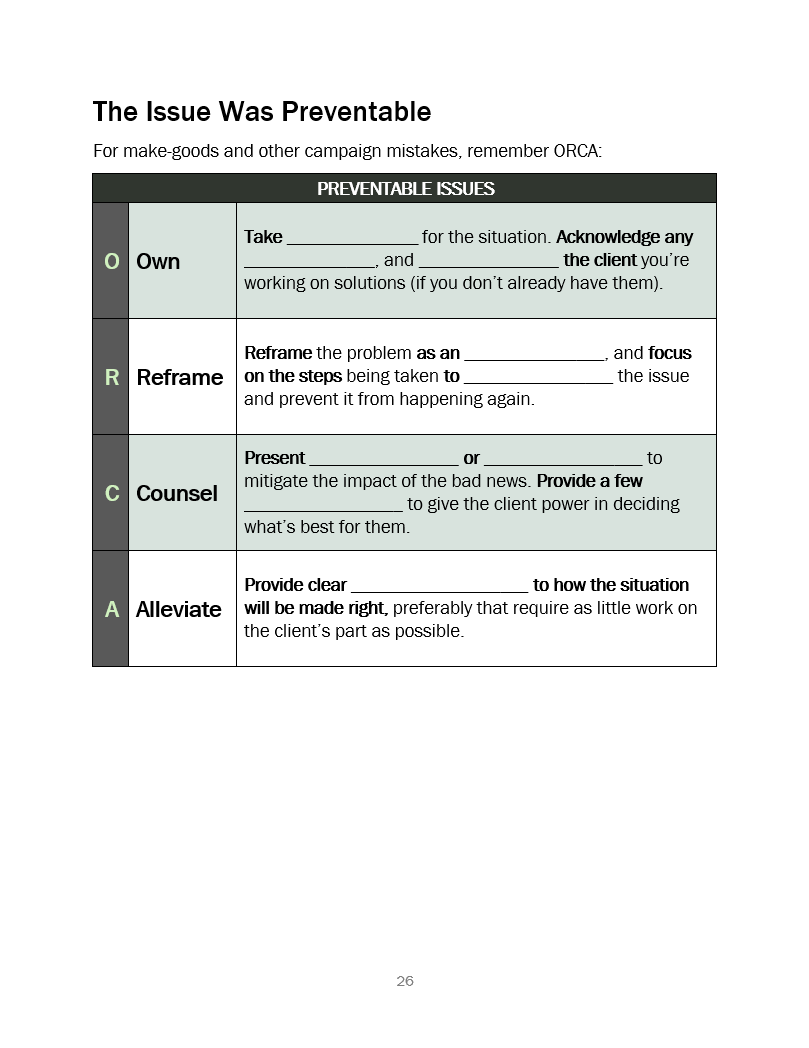
A page from a booklet titled 'The Issue Was Preventable,' providing steps for addressing campaign mistakes in make-goods. It includes four sections: 'Own' to acknowledge the situation and the client, 'Reframe' to focus on the problem, 'Counsel' to present options and provide a few choices, and 'Alleviate' to provide clear instructions on how the situation will be managed.

Digital Media Accelerator

Tools: Microsoft PowerPoint (core presentation deck & activities), Microsoft Word (Learner Guide and support materials)

Goal: Provide a crash course on digital media - its trends, the current state of the market, competitors in the sphere of digital media, and how to create digital media campaigns

Credits: design, content, and custom graphics created by William Taylor Bair

Core Presentation Deck Samples (Microsoft PowerPoint)
Logo for Digital Media Accelerator featuring a large letter A with a rocket on it, surrounded by colorful hexagons and the text 'DIGITAL MEDIA ACCELERATOR' and 'PROGRAMMATIC MEDIA BUYING'.
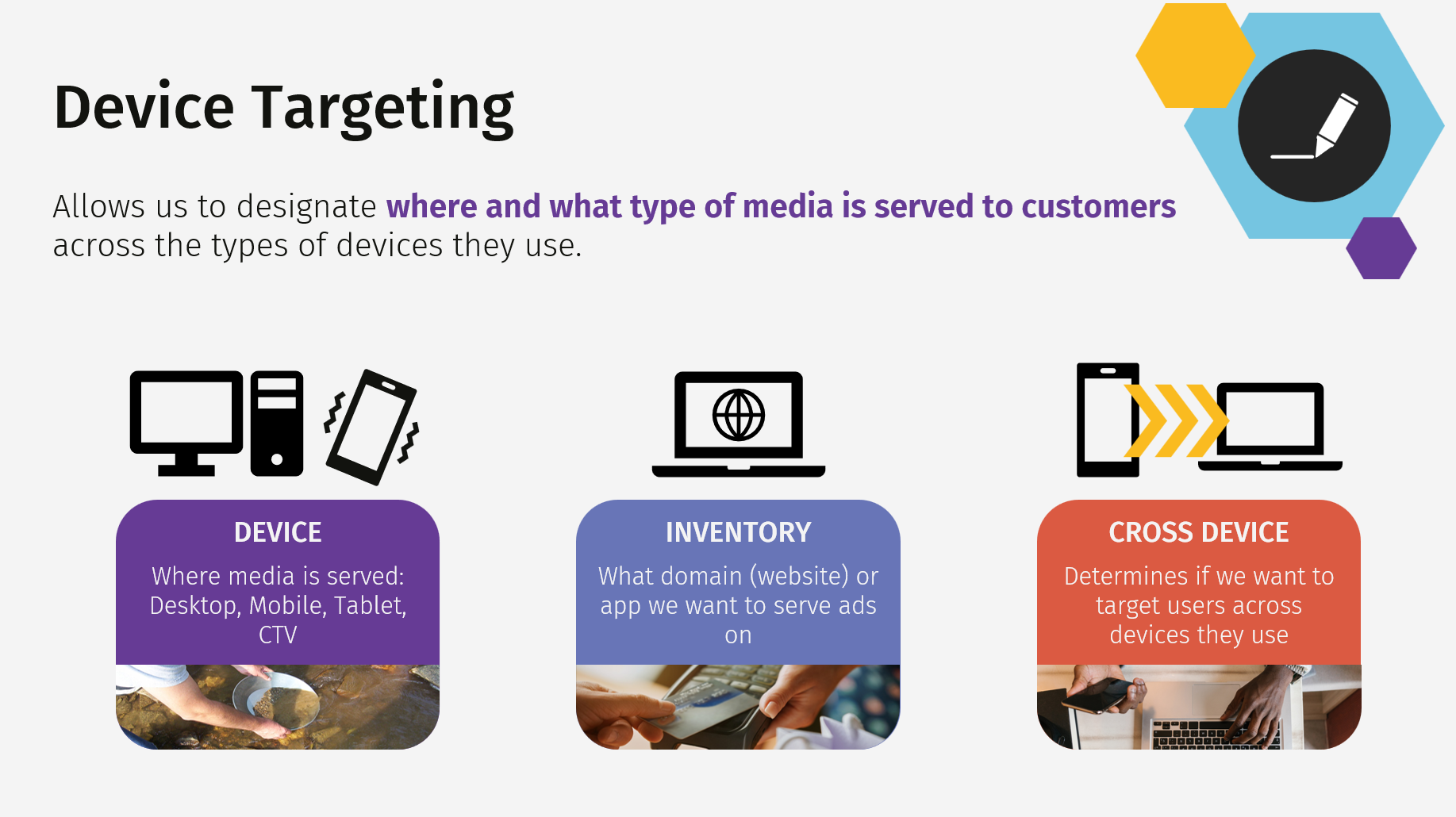
An infographic titled 'Device Targeting' explaining the concept of targeting media to different devices, including desktop, mobile, tablet, and TV, with icons and categories for device, inventory, and cross device targeting.
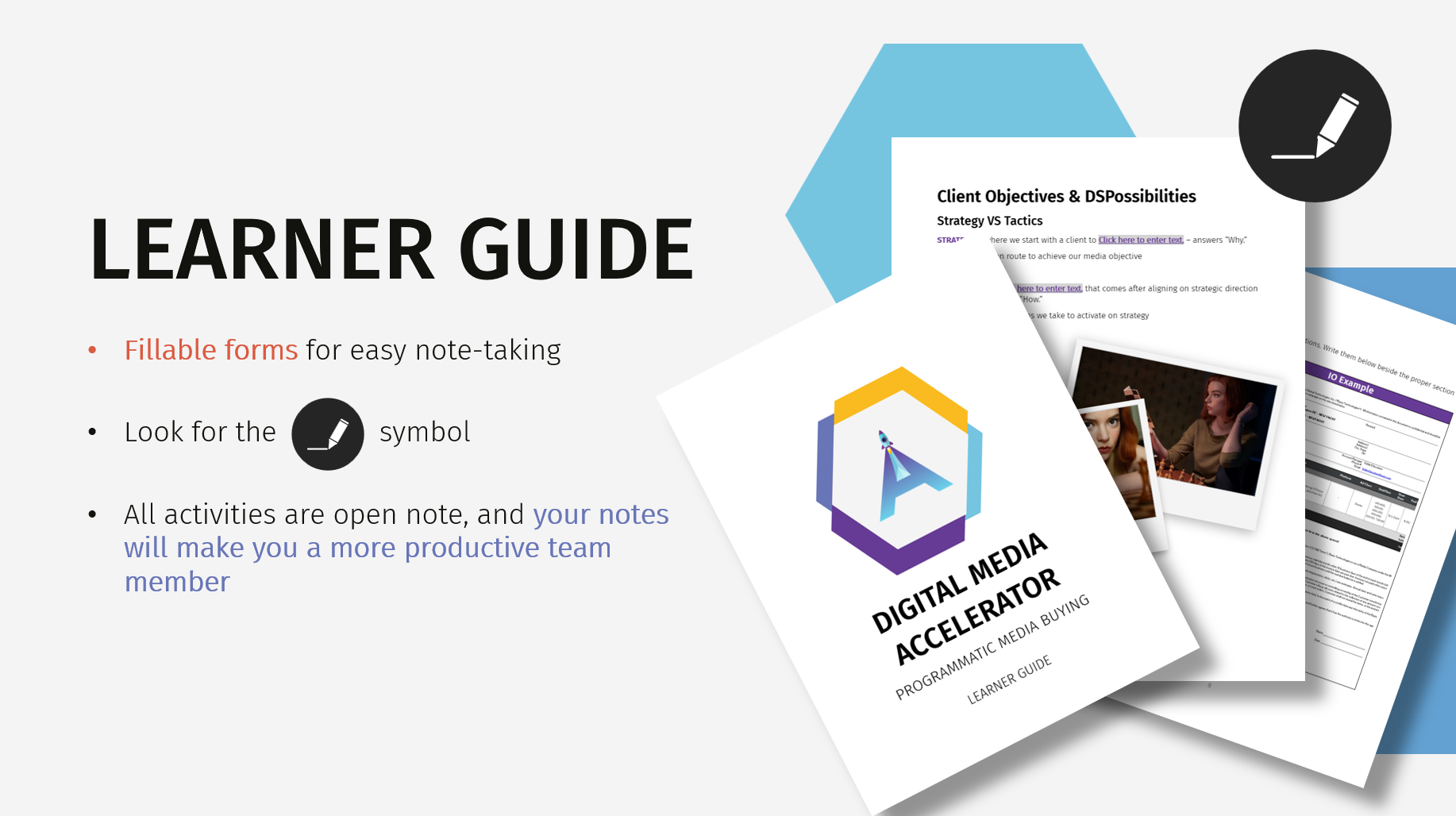
A presentation slide titled "Learner Guide" for a digital media accelerator course. It features notes, a printed lesson with images of women, and a cover page with a colorful logo. The slide includes instructions for using fillable forms, looking for a pen icon, and notes about activity benefits.
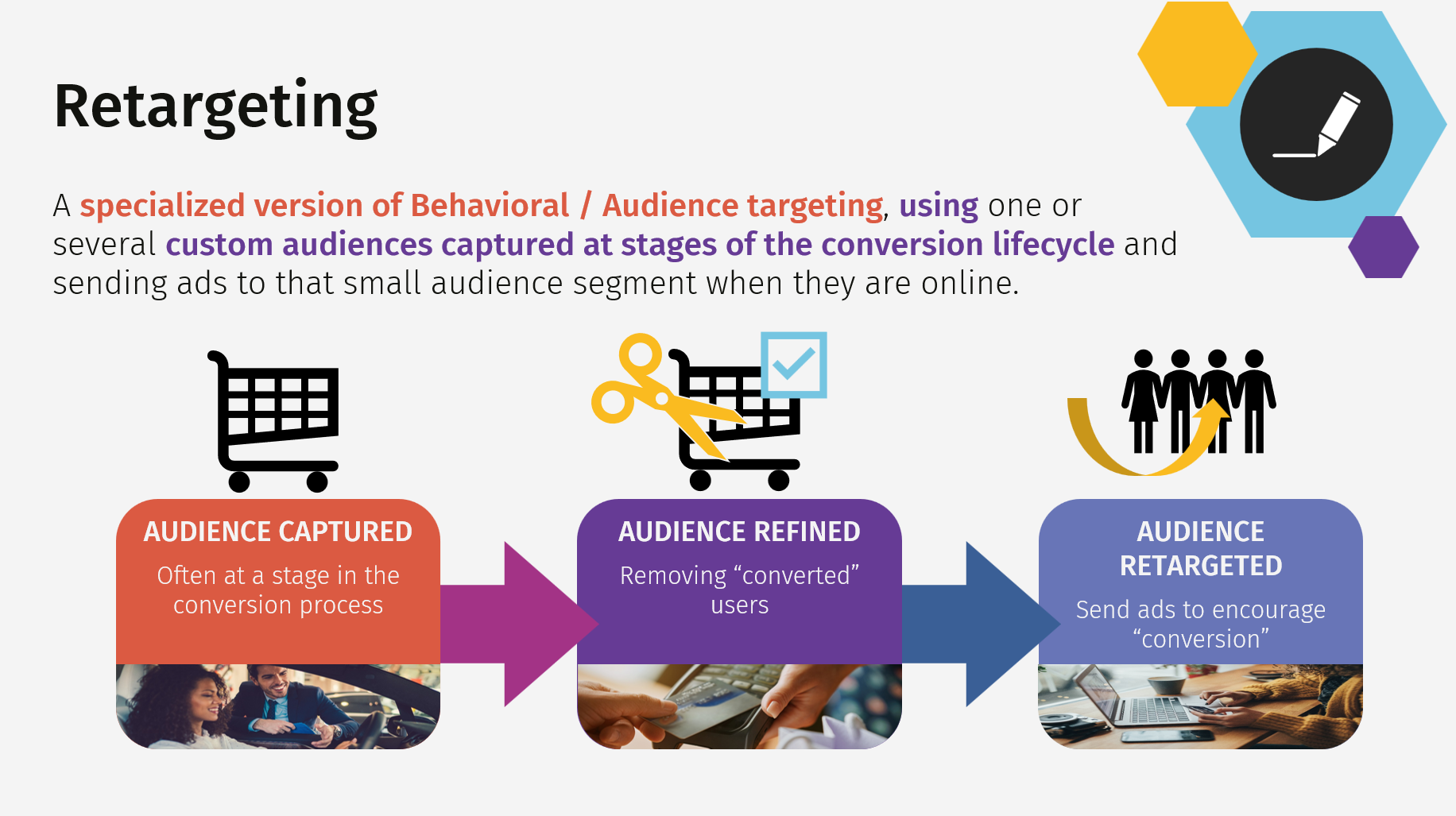
An infographic explaining the process of retargeting in digital advertising, showing three steps: Audience Captured, Audience Refined, and Audience Retargeted, with arrows connecting them and images of people, shopping carts, and computers.
Slide titled 'Strategic & Tactical Planning' with a background image of a chessboard and chess pieces, featuring geometric design elements in yellow, blue, black, and white.
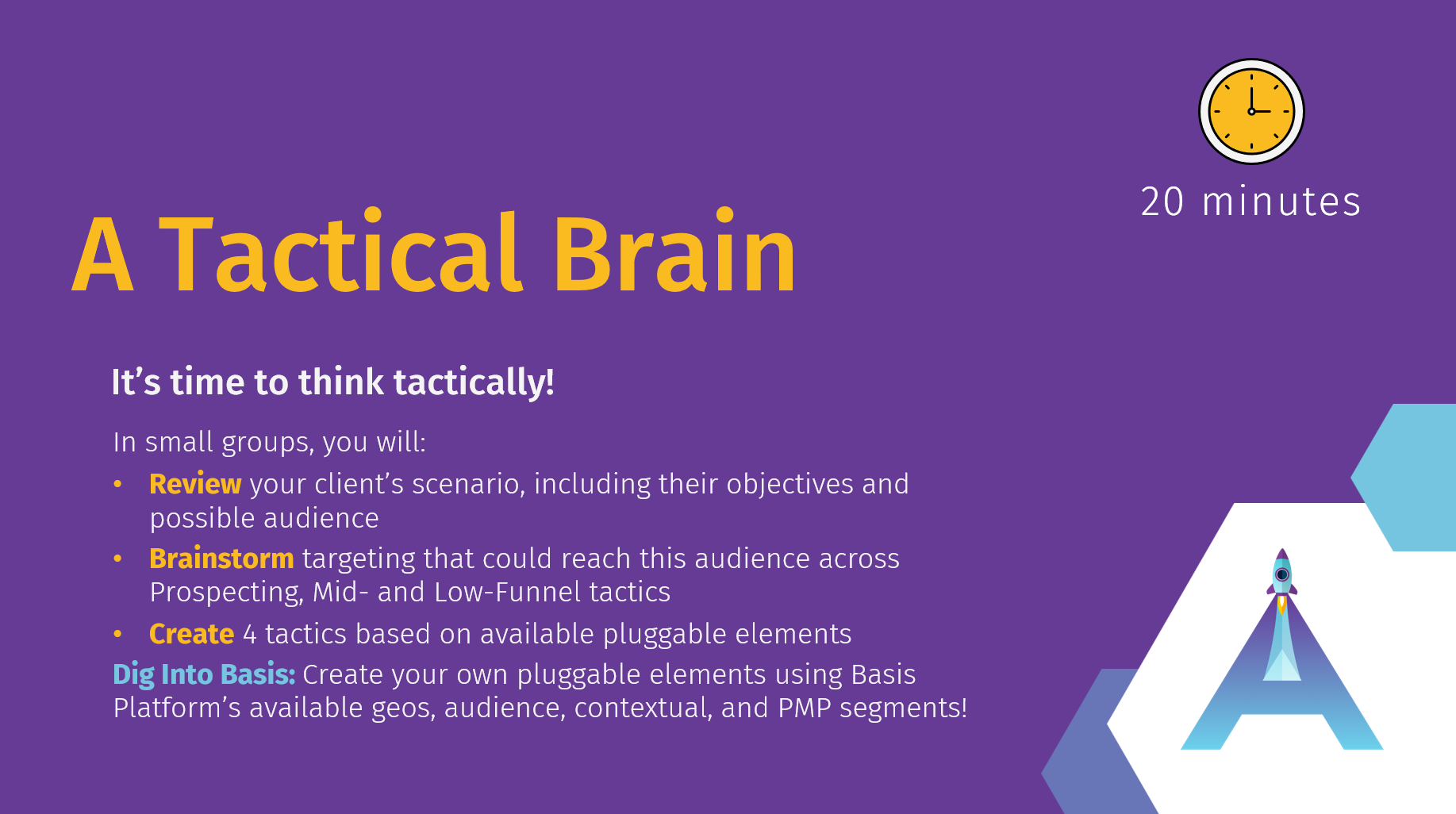
Purple slide titled "A Tactical Brain" with a yellow clock icon indicating 20 minutes. The slide has instructions for small group activities: review a client's scenario, brainstorm targeting strategies, create four tactics, and dig into basics. There is a stylized letter 'A' with a rocket on it in the bottom right corner.
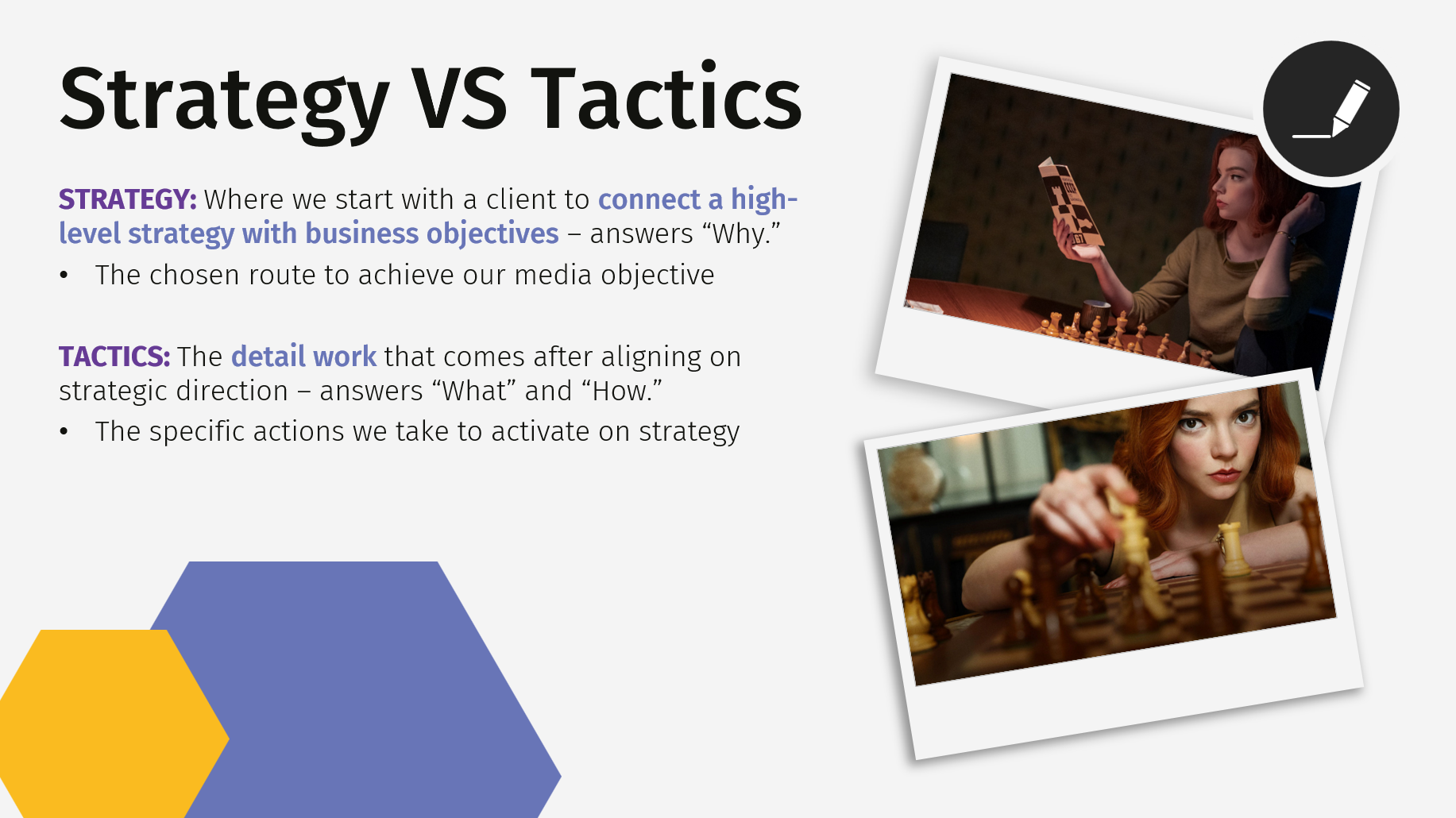
Presentation slide titled "Strategy VS Tactics" with text explaining the difference between strategy and tactics, and two Polaroid-style photos of women playing chess, one with a woman holding a smartphone and the other making a move on a chessboard.
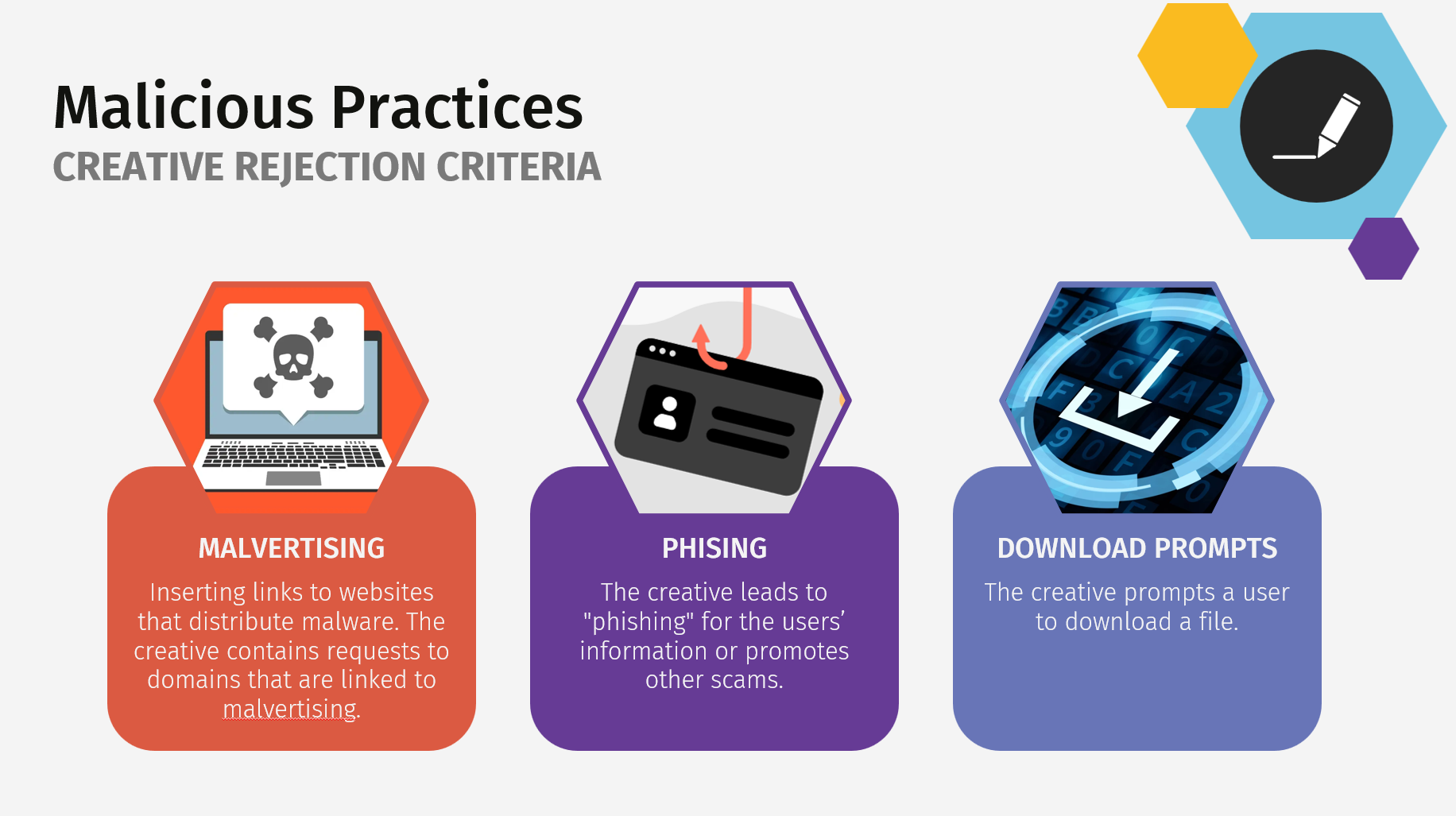
Infographic titled 'Malicious Practices: Creative Rejection Criteria' showing three types of malicious online activities with icons and descriptions. The first is 'Malvertising' with an icon of a laptop displaying a skull and crossbones, describing inserting links to malware-distributing websites. The second is 'Phishing' with an icon of a fraudulent ID card, explaining leading users to share information or fall for scams. The third is 'Download Prompts' with an icon of a digital code screen, detailing prompts for users to download files.

Learner Guide Samples (Microsoft Word)
Cover page for a learner guide titled 'Digital Media Accelerator' with a hexagon logo featuring a rocket launching upward.
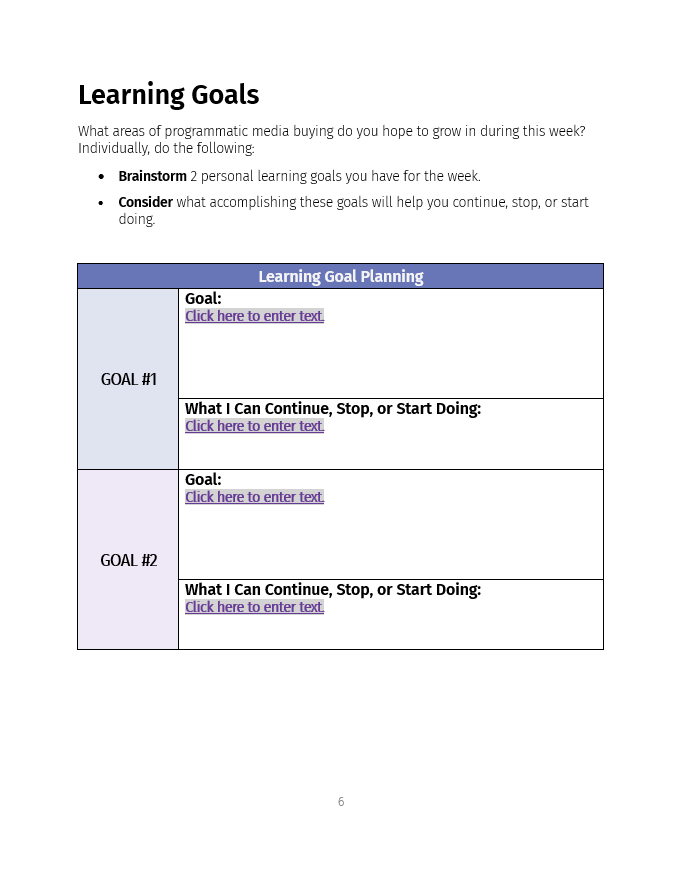
A worksheet titled 'Learning Goals' with sections for personal goal setting and planning, including spaces to enter goals and actions for two different goals.
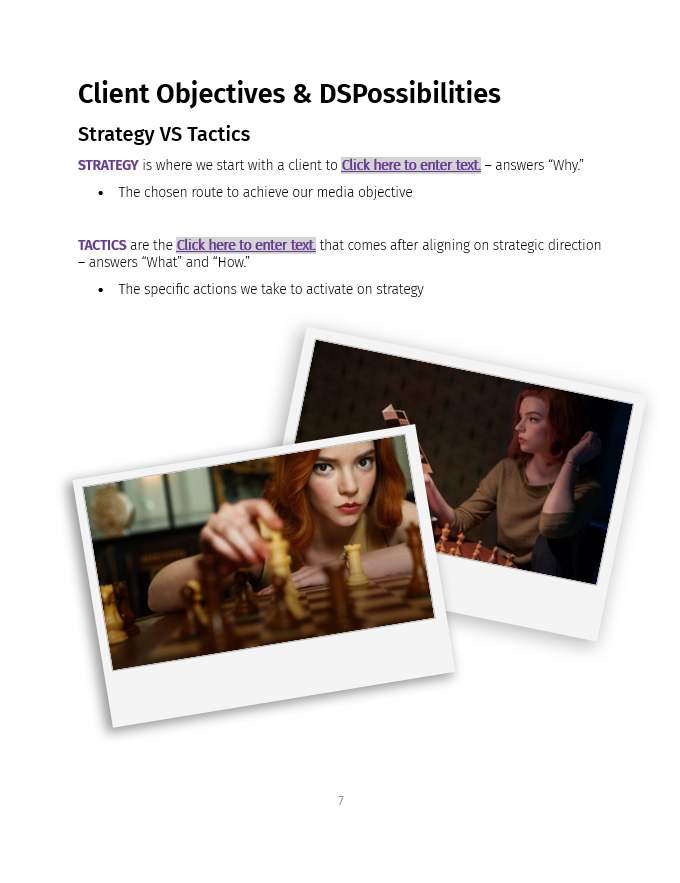
A presentation slide titled 'Client Objectives & DS Possibilities' with sections on 'Strategy' and 'Tactics' and two overlapping Polaroid-style photos of women playing chess, one with red hair and focused, the other with red hair and relaxing.
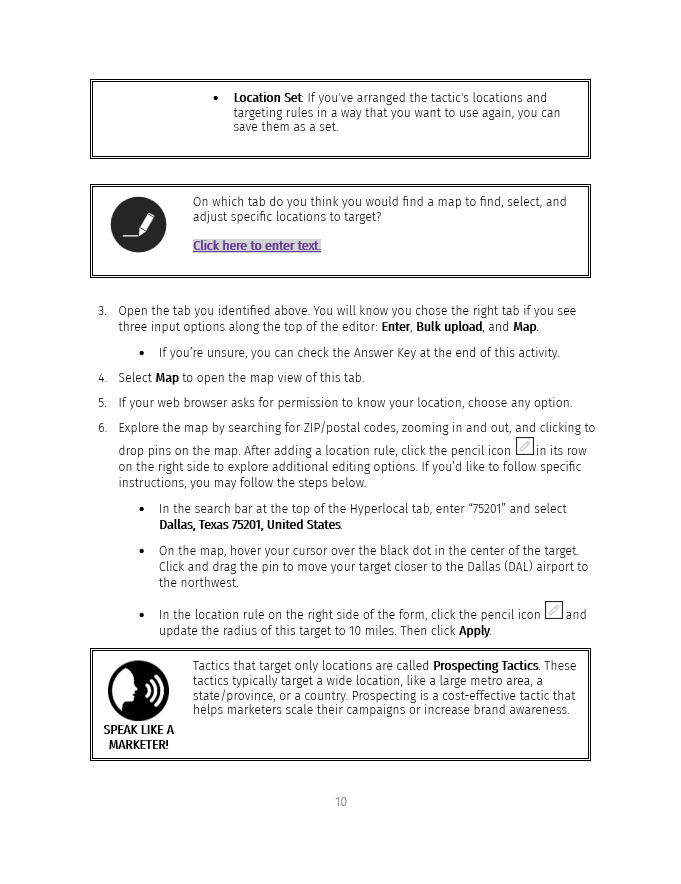
Page 10 of a manual with instructions on setting locations, using a map feature, and exploring map options, including a section on Prospecting Tactics for targeted marketing.
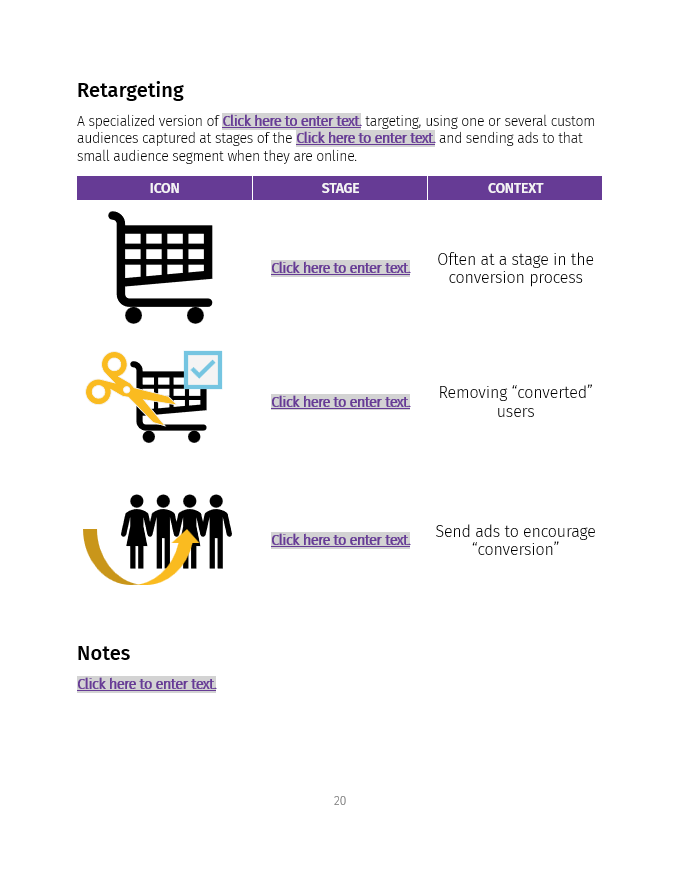
Slide titled 'Retargeting' with three icons: a shopping cart, a shopping cart with a check mark, and three people with an arrow circling around them. The slide discusses retargeting in online advertising.
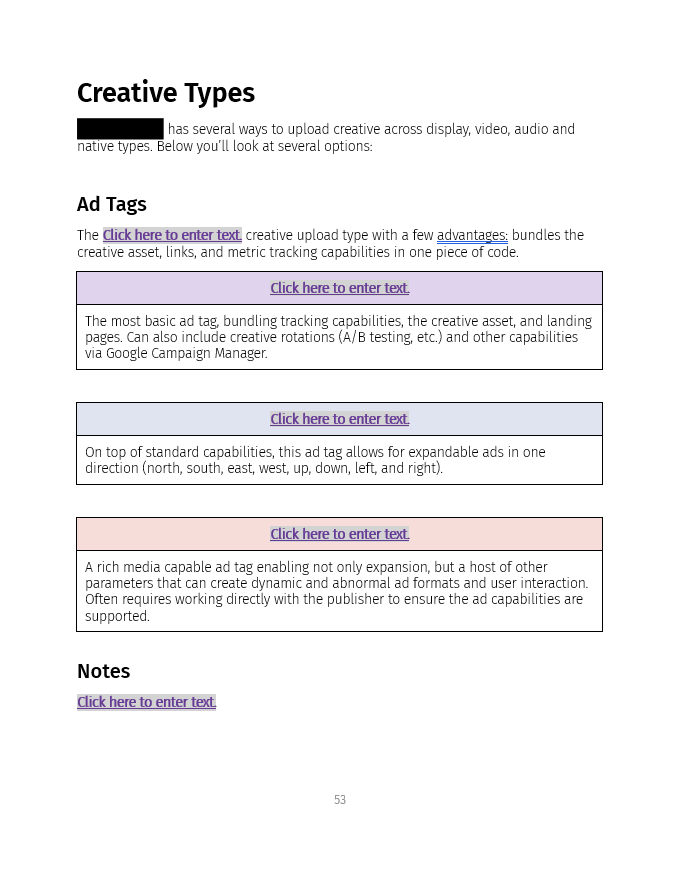
Screenshot of a document page titled 'Creative Types' and 'Ad Tags' with placeholder links labeled 'Click here to enter text' in various colored boxes and a 'Notes' section at the bottom.

Process Development

D5 Development Framework

Tools: Microsoft SharePoint (core process), Microsoft Word & Microsoft Excel (templated job aids)

Goal: To provide clear process for facilitators and instructional designers around developing and distributing new learning experiences in addition to job aids across the entire development lifecycle for discovery conversations, stakeholder management, lesson planning, etc.

Process Documentation (SharePoint Pages)
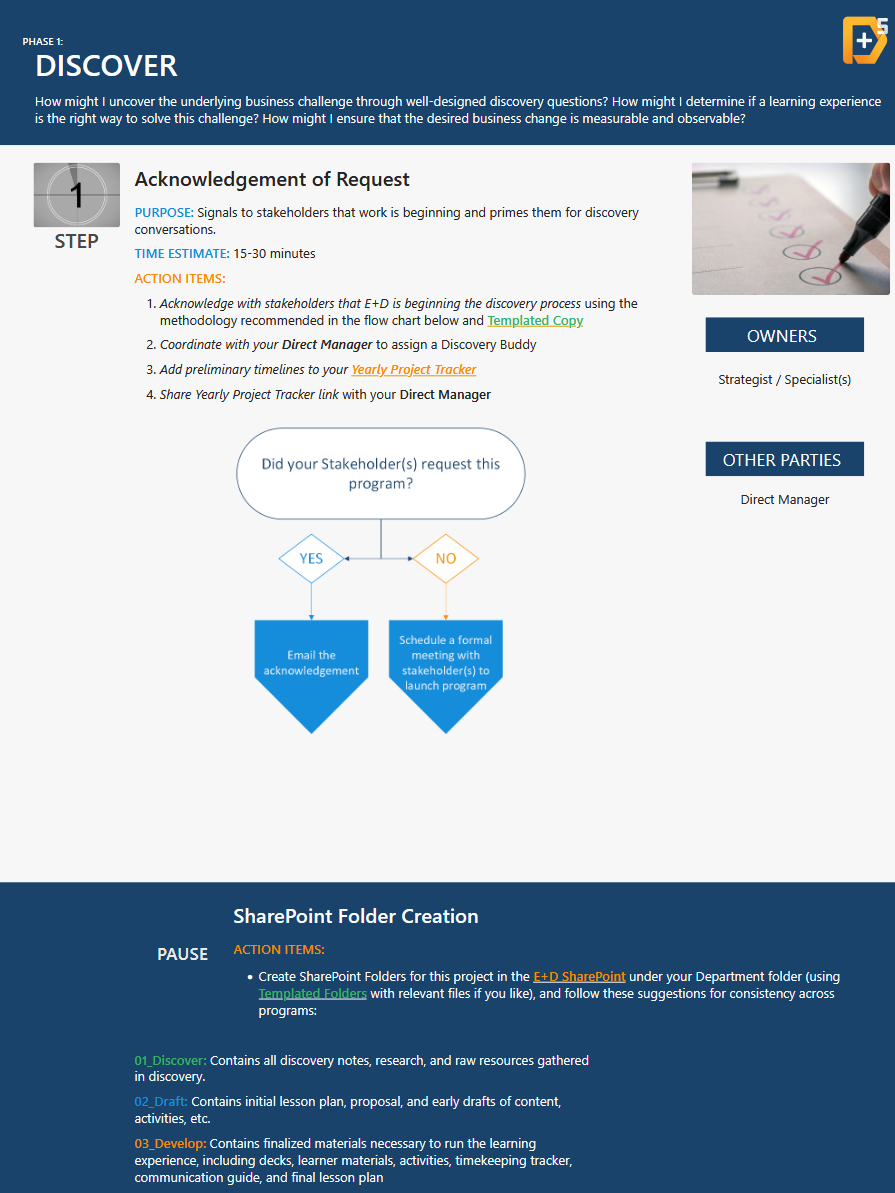
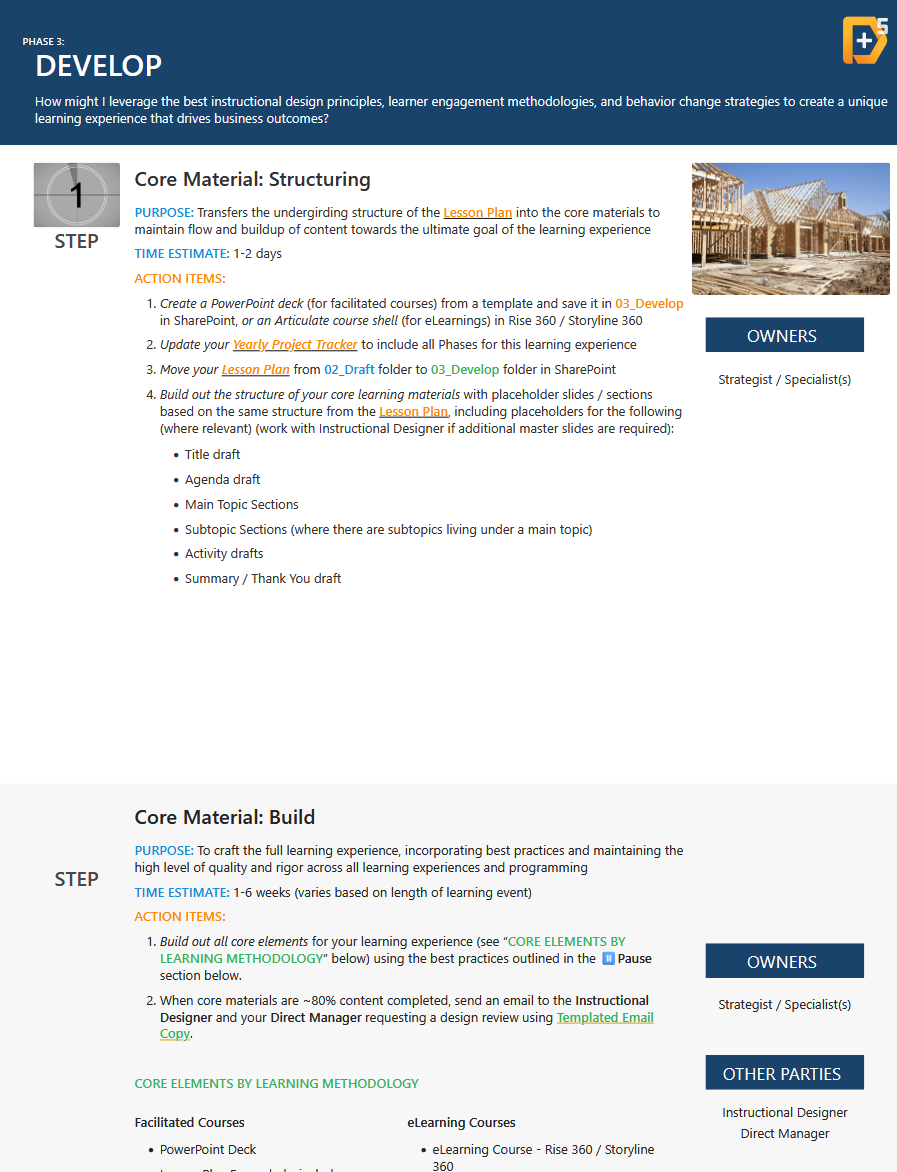
Screenshot of a business discovery process guide highlighting the steps for recognizing stakeholder requests, coordination, and project tracking, with flowcharts, checkmarks, and text instructions.
Slides from a presentation about instructional design, including topics on structuring core materials and building core elements for learning experiences.
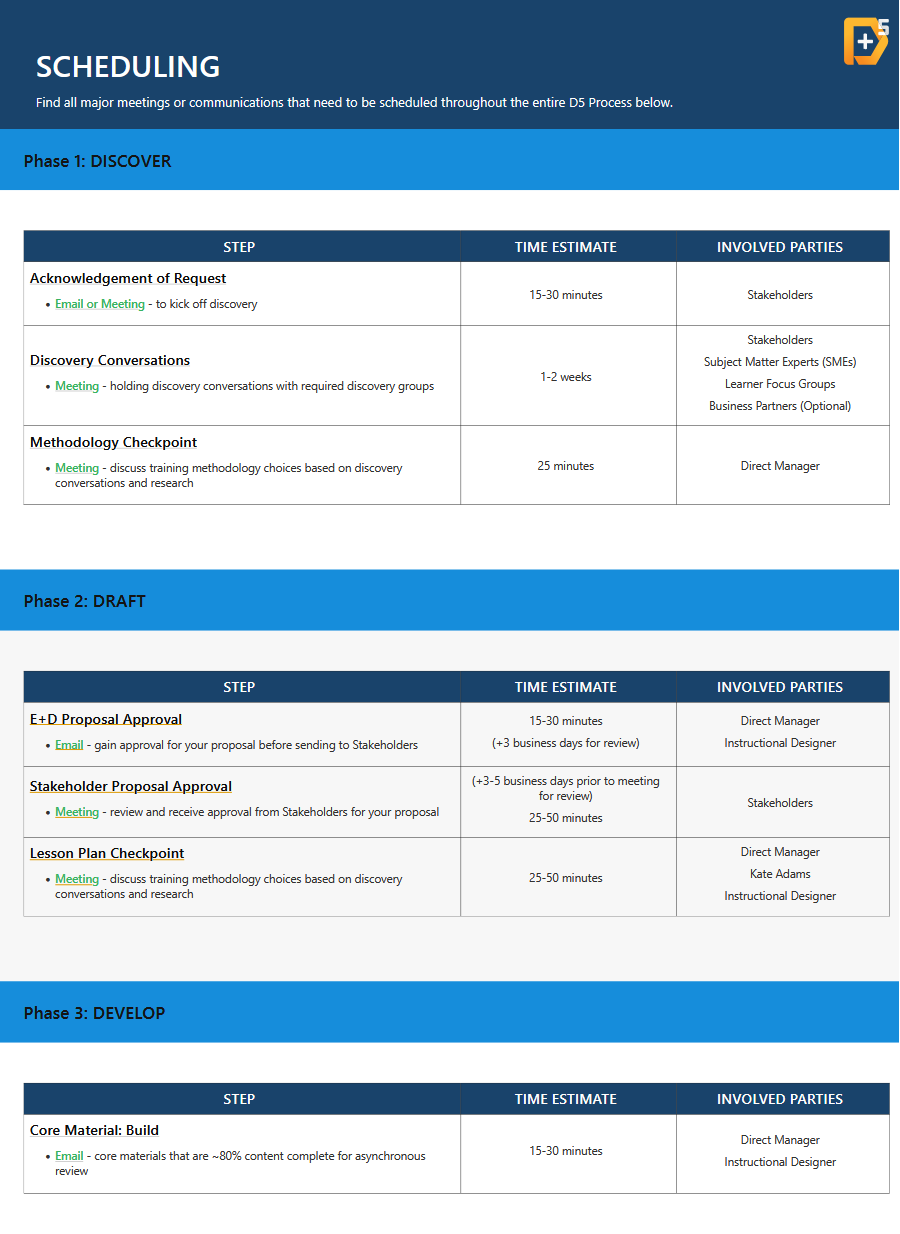
Schedule document titled 'Scheduling' with phases, steps, time estimates, and involved parties for project discovery, draft, and develop processes.

Process Job Aids (Microsoft Word & Excel)
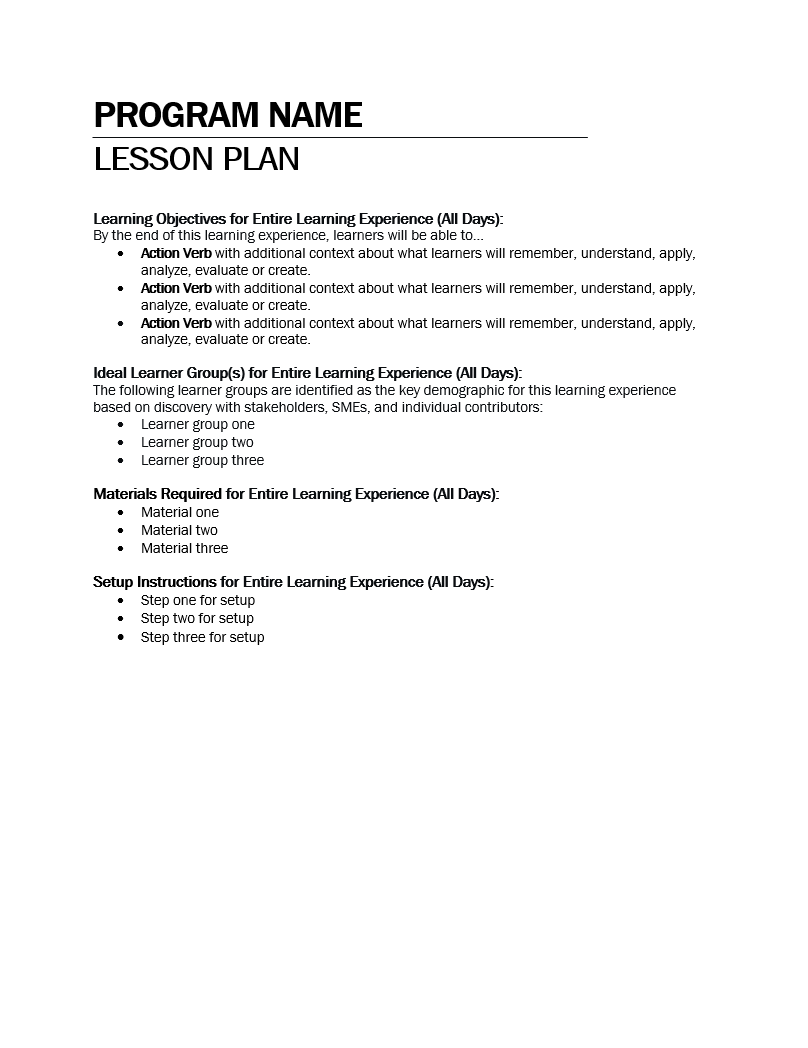
A black and white document titled 'Program Name' and 'Lesson Plan' with sections including learning objectives, ideal learner groups, materials, and setup instructions, formatted as a formal lesson plan.
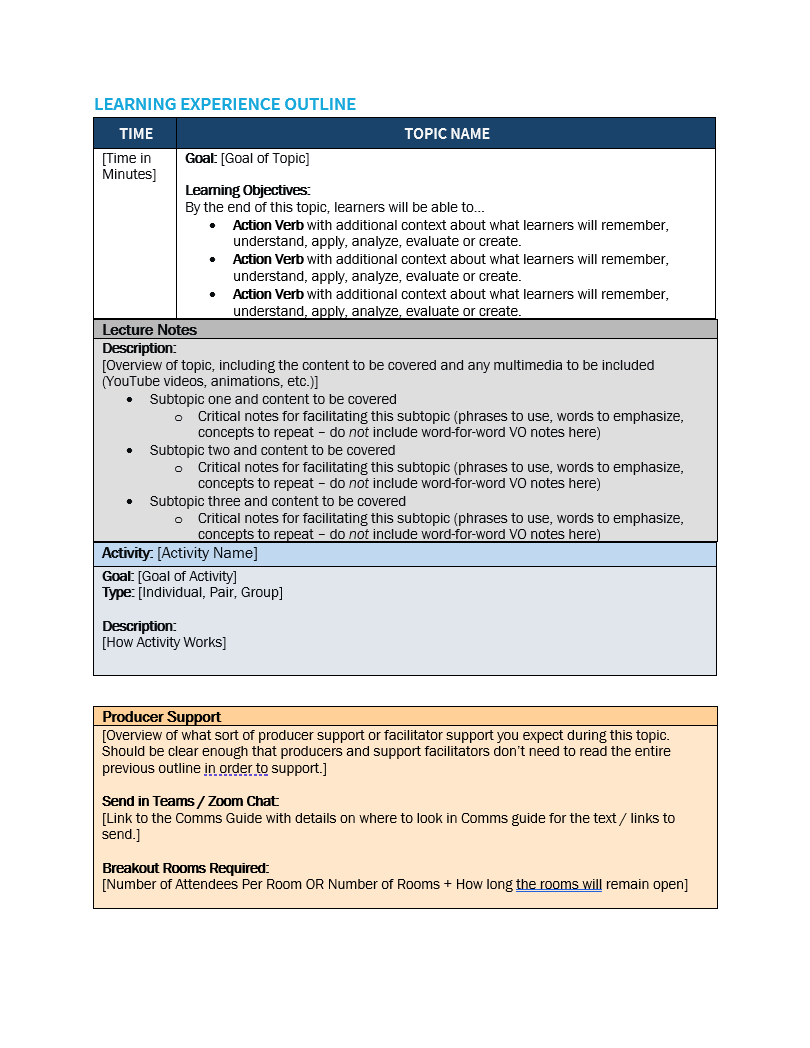
Blank learning experience outline template with sections for time, topic name, goal, learning objectives, lecture notes, activity, producer support, and breakout rooms details.
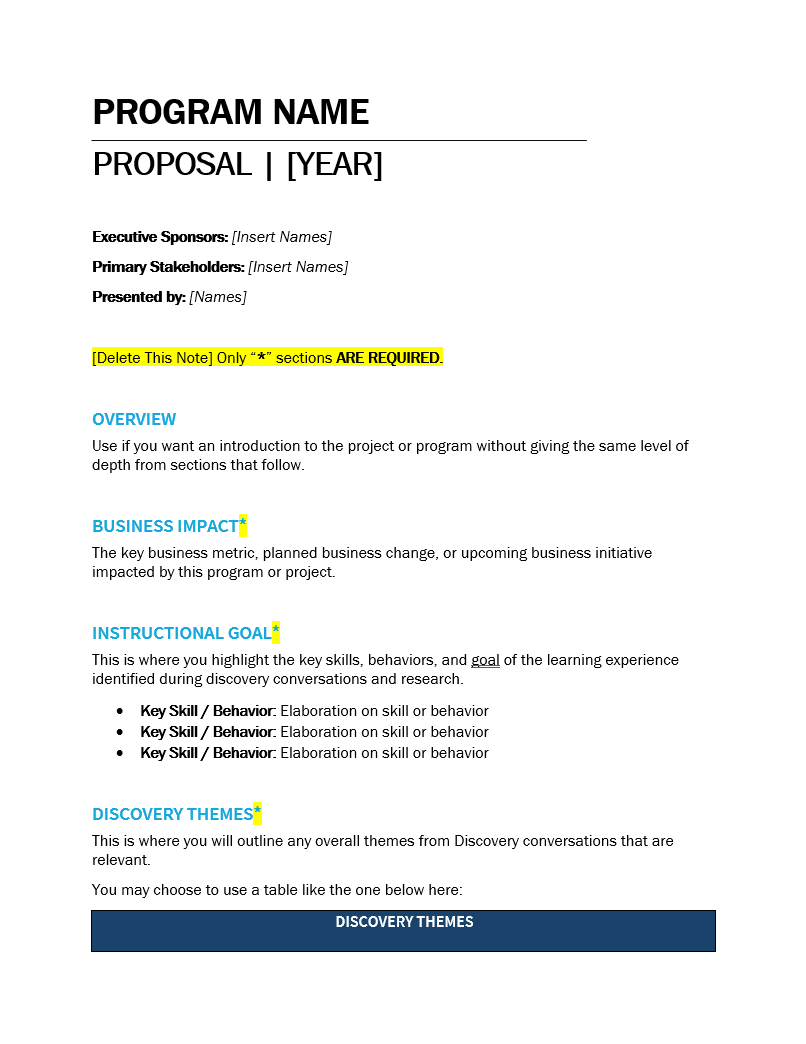
Template for a program proposal document with sections labeled Overview, Business Impact, Instructional Goal, Discovery Themes, and notes with placeholder text and highlighted instructions.
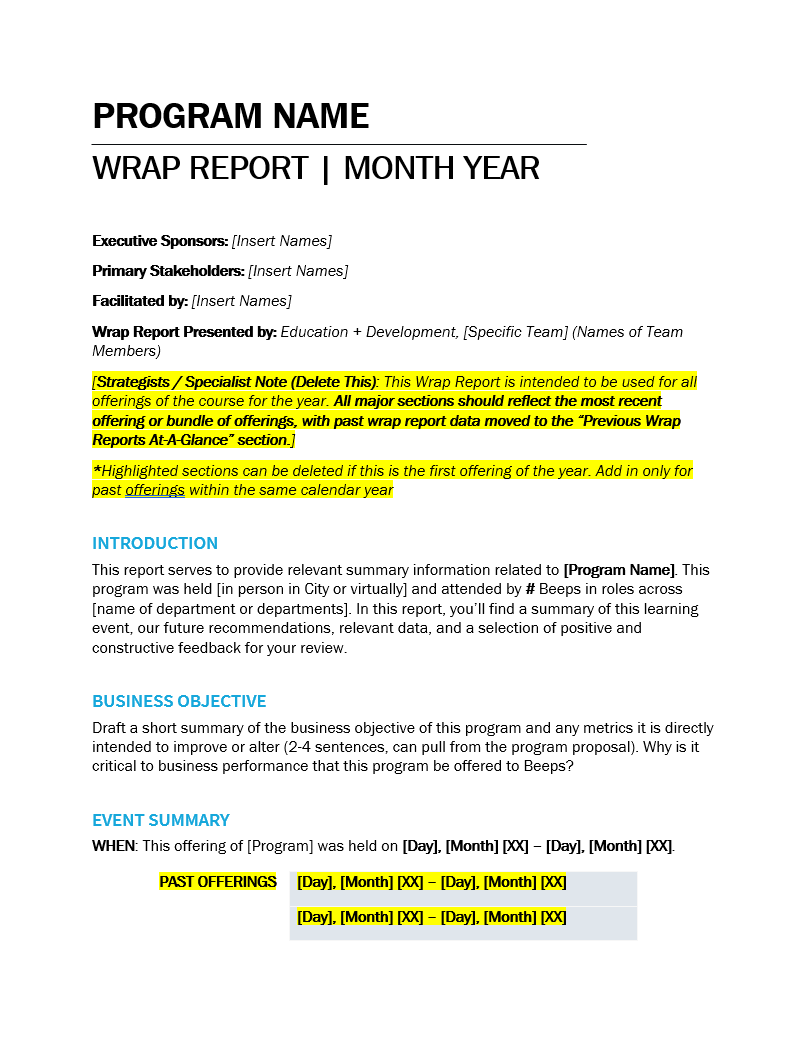
Template for a wrap report, including sections for program name, executive sponsors, stakeholders, facilitation, and a detailed notes section with guidelines on handling offerings, with placeholders for specific data and instructions highlighted in yellow.
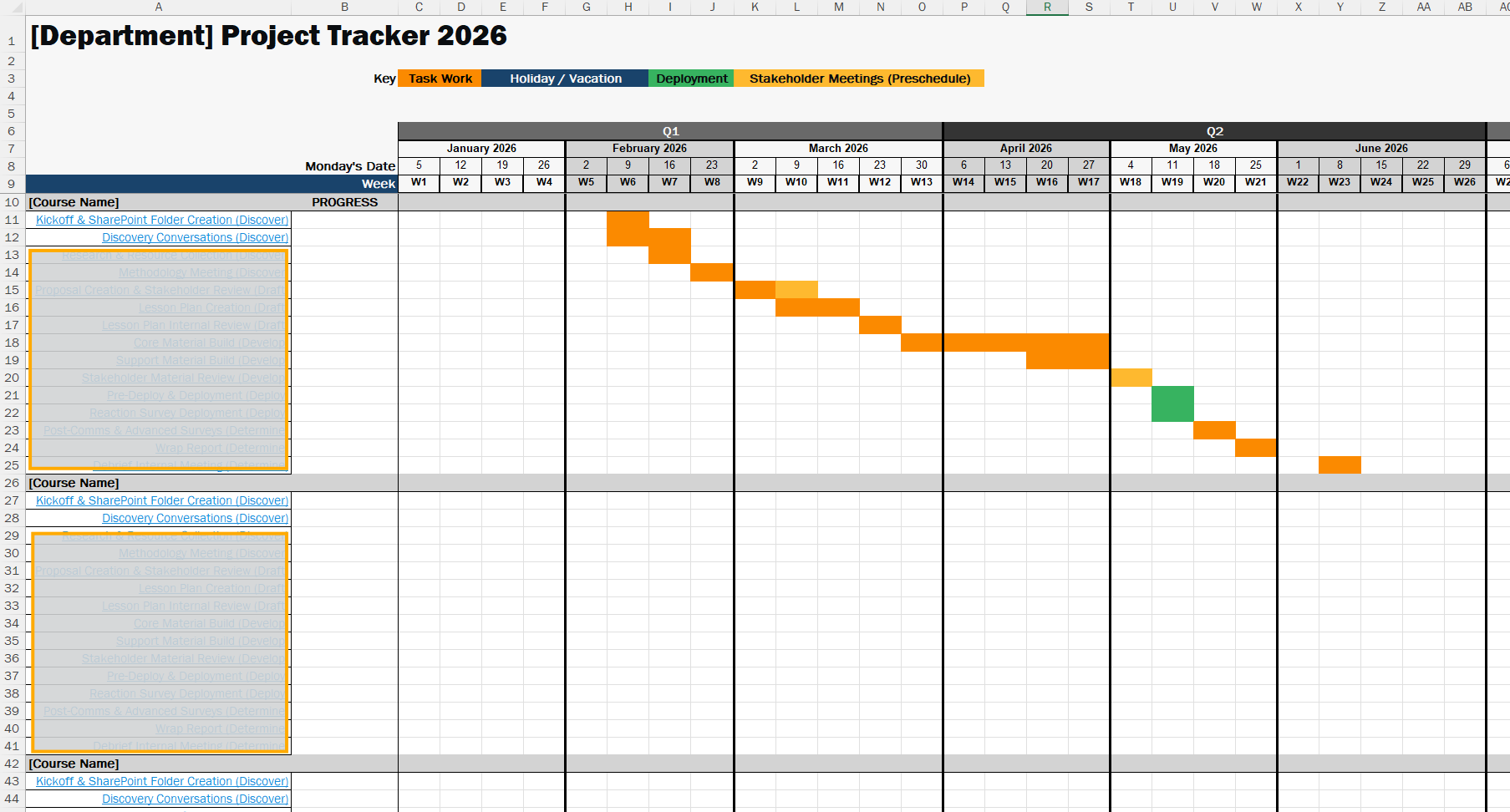
A project tracker spreadsheet for a department in 2026, showing tasks, progress, and timelines across weeks and months from January to June. It includes color-coded categories such as Task Work, Holiday/Vacation, Deployment, and Stakeholder Meetings, with specific tasks like folder creation, discovery conversations, proposal creation, and internal reviews listed.

Other Design

Course Catalogs

Tools: Adobe InDesign

Goal: Provide the business clear course pathing, descriptions, and departmental breakdowns to help people managers and individual contributors select courses that will be the most beneficial to their professional development and areas identified as needing improvement in their yearly performance reviews

Cover of a learning catalog for 2025 with a black hexagonal background, a stylized yellow lightbulb with a white plus symbol inside, and white and yellow text reading 'Education + Development, Learning Catalog, 2025'.
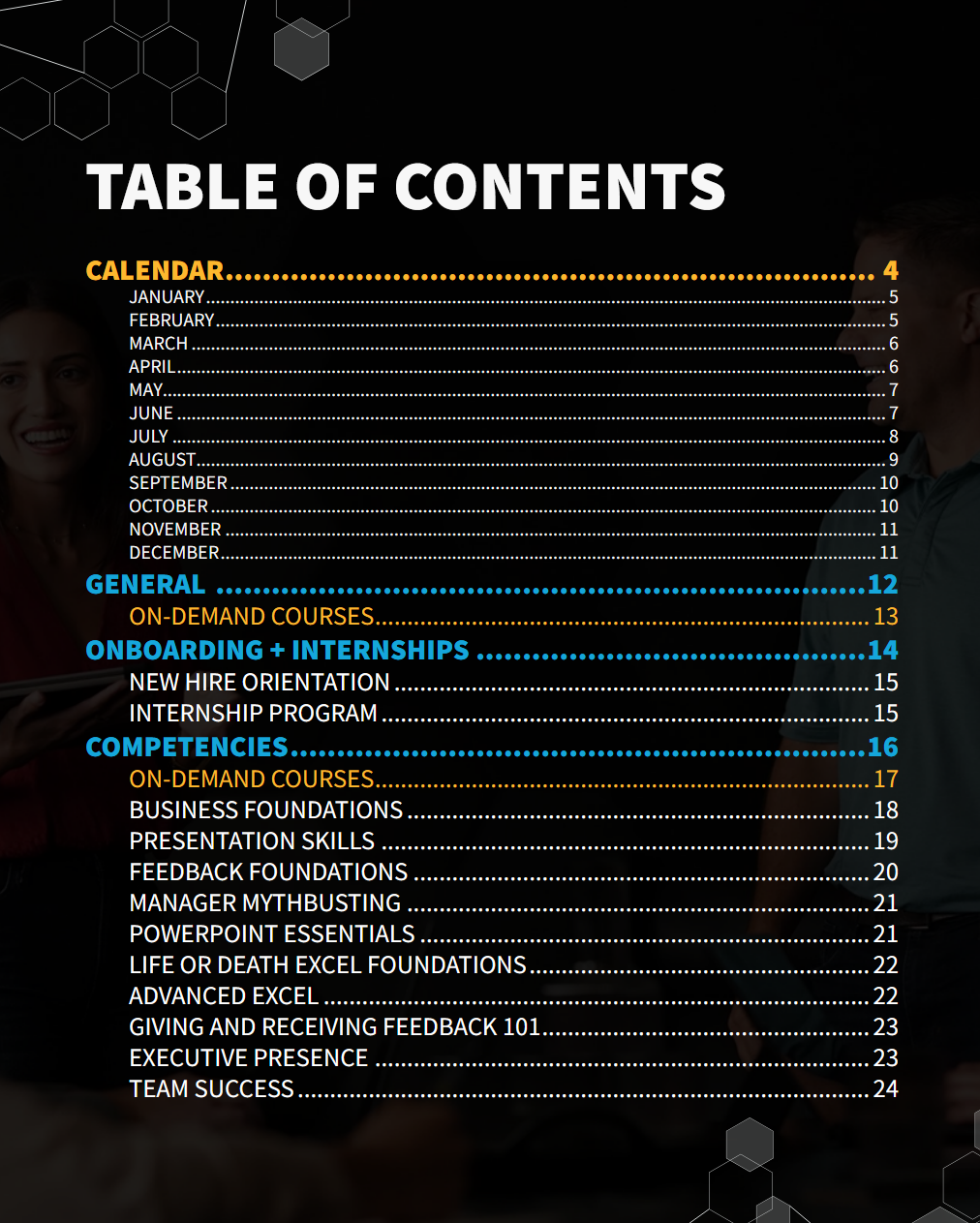
Table of contents page with sections on calendar, general, onboarding and internships, and competencies, listing months and various courses on a dark background.
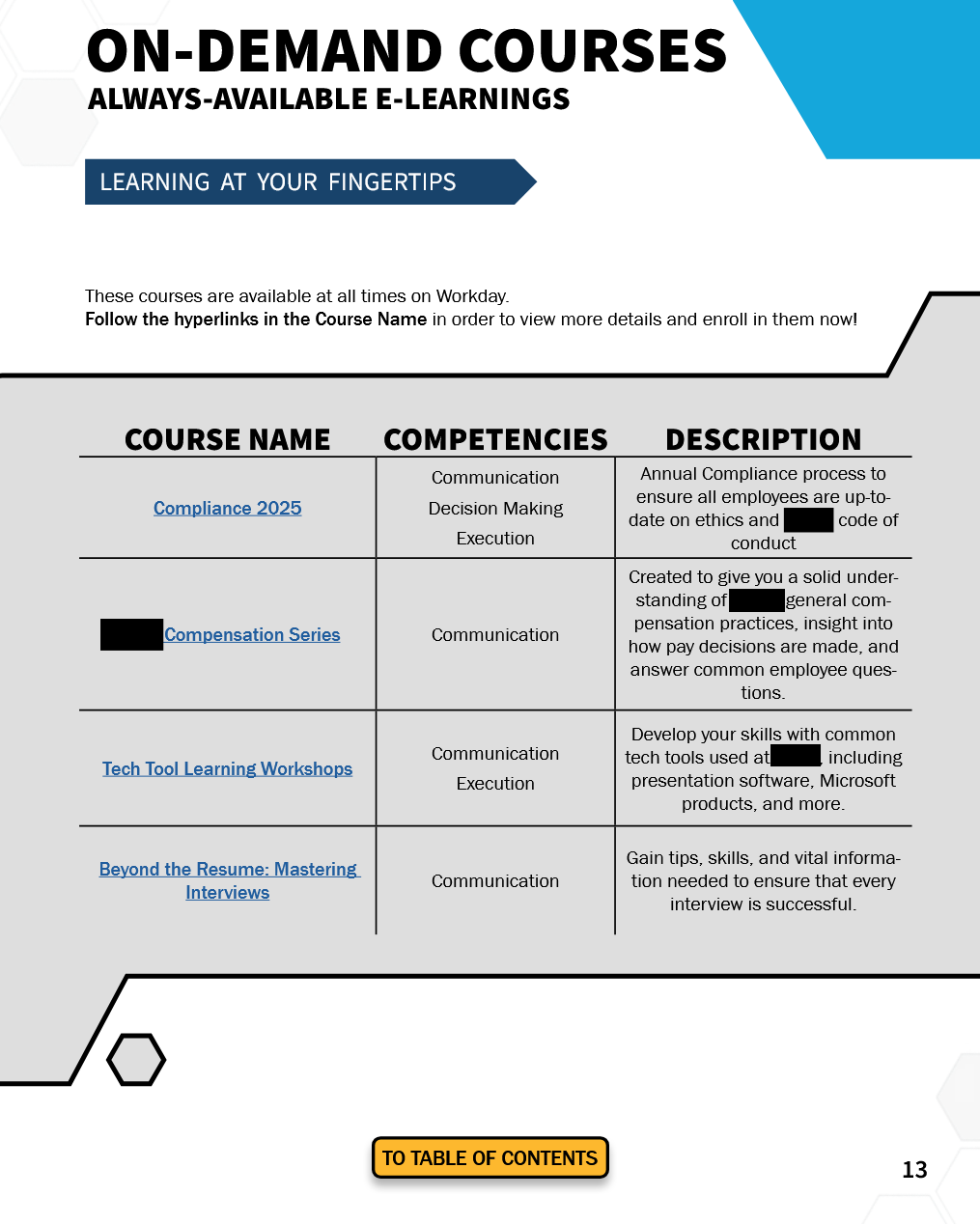
Screenshot of an online courses catalog showing course names, competencies, and descriptions, with a section titled 'Learning at Your Fingertips' and a button labeled 'To Table of Contents' at the bottom.
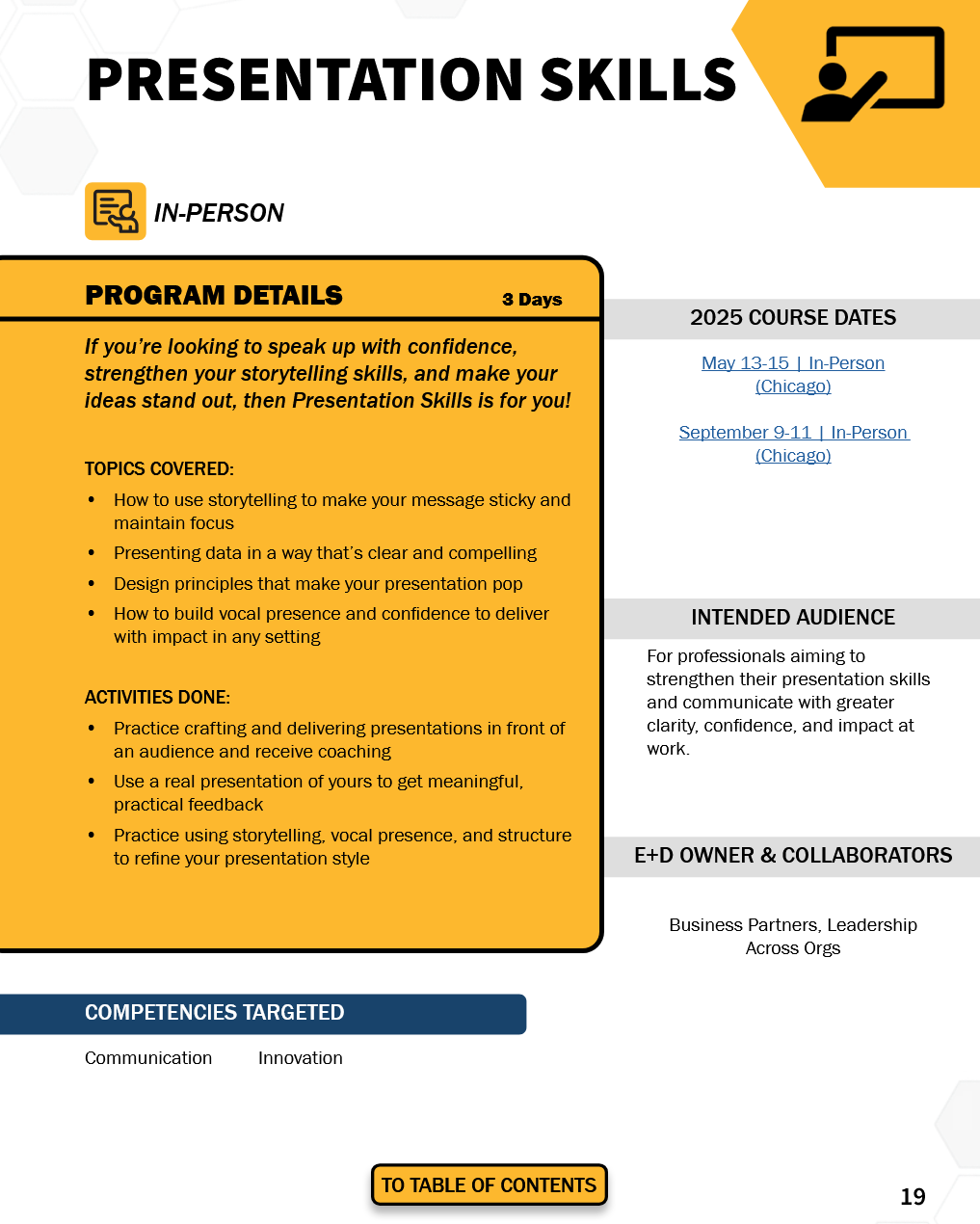
A woman giving a presentation or leading a discussion in a professional setting, with a laptop on the table and other participants listening.
Flyer advertising an in-person presentation skills training program with details about program focus, activities, course dates, and target audience.

Logos

Tools: Adobe Illustrator & Adobe Photoshop

Illustration of a potted plant with large leaves.
Cartoon of a blue microscope with a rainbow-colored flag and a purple and yellow magician's hat on top, with a small blue butterfly nearby.
Logo with a boat on the water under a yellow sun, with the text 'SHOREPRO' above and 'YACHTS' below.
A shield-shaped logo with a stylized wrecking ball image in black and orange, with the words 'Momentum Sales Leadership Onsite' written below in yellow and white text.